
Last updated November 17, 2026
 Wrought iron
 Wood & steel frame
 Farm & ranch
 Sliding driveway gates
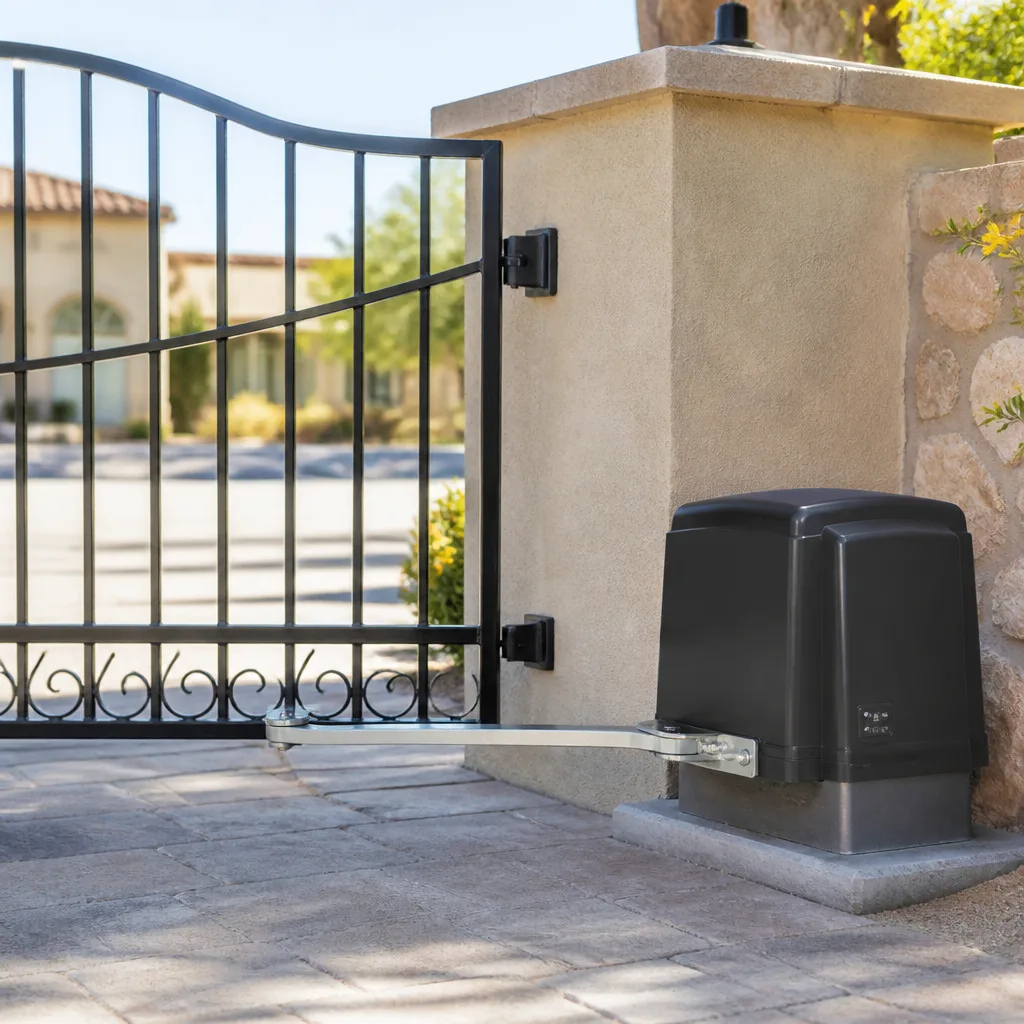 LiftMaster operators
Free on-site gate assessment - hinges, posts, and your LiftMaster or Nice gate operator checked before anything is quoted
The assessment is free and the quote is the invoice.
Get your free estimateGate Access Control Warning Signs Every Homeowner Should Know
If your gate hesitates for two seconds after you enter the code before it moves, that pause isn’t a software glitch – it’s your control board working twice as hard to compensate for a voltage drop it shouldn’t be experiencing. Access control systems almost never quit cold. In our experience across North Las Vegas, they hand you two to four weeks of quiet warnings first, and most homeowners write those warnings off as quirks until the gate stops answering entirely. This guide names each signal, explains what it’s actually telling you, and shows you how to read the timeline before a $60 fix turns into a $700 board replacement.
Quick Answer
The most important gate access control warning signs are intermittent responses (a gate that works 9 times and fails the 10th), unusual LED blinking patterns on the keypad or receiver, repeated “access denied” entries in the log for valid credentials, and green corrosion on terminal screws. Each of these points to a specific hardware failure coming within days to weeks, not a programming error – and in North Las Vegas summer heat, that timeline compresses sharply.
Styles & brands we work with
- Wrought iron
- Wood & steel frame
- Farm & ranch
- Sliding driveway gates
- LiftMaster operators
Table of Contents
- The Intermittent Response Pattern
- What Unusual LED Behavior Actually Means
- Why Access Logs Show “Denied” for Valid Credentials
- How North Las Vegas Heat Accelerates Failure
- The Corrosion Pattern That Says 30 Days
- A Homeowner’s Warning-Sign Checklist
- Common Mistakes to Avoid
- Frequently Asked Questions
The Intermittent Response Pattern
A gate that won’t open at all is a clear problem, and homeowners call about it right away. A gate that works nine times out of ten is the one that gets ignored – and it’s actually the more urgent case. Here’s why. When a system fails completely, the faulty component has already stopped, so the failure is settled. When a system is intermittent, something inside is still running and heating up under load – a relay that’s arcing, a transformer sagging under draw, a control board compensating for a voltage it can’t quite hold. That’s a component in the process of dying, and dying parts tend to take neighbors with them.
In our experience, intermittent access control failures cluster around three culprits:
- A weakening transformer. It puts out enough voltage at 70 degrees and not enough at 105, so the gate works in the morning and stalls in the afternoon.
- A pitted relay on the control board. Each cycle burns a little more of the contact surface until the gate catches but doesn’t release.
- A failing keypad membrane. The button makes contact most of the time – until it doesn’t.
If your North Las Vegas gate is failing the tenth time instead of the first, don’t wait for it to fail the tenth and eleventh and twelfth. That pattern is the system telling you which relay or transformer is on its way out. A quick diagnostic visit catches it before the board goes, and on-site welding and repair work means Gate Repair in North Las Vegas can often fix the specific part rather than swap the whole assembly.
What Unusual LED Behavior Actually Means
Every access control receiver and keypad has at least one LED, and it’s talking to you constantly. Most homeowners only notice when it changes. Here’s what the change usually maps to on the brands we service – BFT, Linear, and Ghost Controls among them:
- Solid green replaced by a slow blink. On most receivers this means the unit is receiving power but has lost the transmitter’s signal memory. A battery in the remote is the usual cause, but a loose antenna connection on Linear systems produces the same blink.
- A rapid double-flash on the keypad backlight. Almost always a low-voltage warning. The keypad is drawing less than it needs, which on a 12-volt system points to the transformer or the wiring run.
- No LED at all, but the gate still opens from the inside button. The access control unit has lost power while the gate operator still works. That’s a wiring fault between the two, not a dead board.
- An LED that glows dim and flickers. This is the one that gets misread as “the light is just old.” It’s a power supply that’s sagging under load.
Write down the pattern you see before you call. Flash codes are the fastest way for a tech to know what they’re walking into, and it means the diagnosis starts on the phone. The person who shows up will still put a meter on it, but you’ll save everyone an hour.
Why Access Logs Show “Denied” for Valid Credentials
If your system logs access attempts, look at it once a month. A cluster of “access denied” entries for codes you know are valid is a hardware symptom, not a programming error – and this is the mistake we see most often. Homeowners assume the code was deleted or the system was reset. That’s rarely what happened.
What actually produces a denied entry for a correct credential:
- A reader that’s reading too slowly. The credential arrives, the reader takes too long to process it, and the controller times out before it can cross-reference. The log records a denial.
- A failing antenna or reader coil. The card or fob gets fumbled once, then more often, until the reader can’t pick it up at all.
- A control board with a failing real-time clock. The gate’s internal time drifts, a scheduled access window closes too early, and valid entries land outside the window and get denied.
Two or three denials in a month for one user? That’s a person fumbling their card. The same user denied a dozen times in a week, then admitted fine? That’s hardware. In North Las Vegas, where a lot of systems sit in direct summer sun on a stucco pillar, the reader antenna is usually the first thing to cook. A Gate Motor & Opener in North Las Vegas service call can meter the reader and the board separately and tell you which one is lying.
How North Las Vegas Heat Accelerates Failure
Moderate climates give an aging access control system a long, forgiving runway. A control board in coastal California might hold a sagging transformer for six months before it finally gives up. North Las Vegas is not forgiving. From June through September, a metal gate pillar behind a block wall can hit surface temperatures well past 140 degrees, and the electronics mounted on it sit in that heat for four or five hours a day.
What heat does to the warning-sign timeline:
- Capacitors age faster. A capacitor that would have lasted four years at mild temperatures drying out in a summer heat cycle can fail in two. That’s what a sagging power supply usually is.
- Solder joints crack. The expansion and contraction of a board mounted on a hot pillar is a slow, mechanical fatigue. A joint that’s cracked still works in the morning and fails at 3 p.m.
- Relays pit faster. The contact surfaces oxidize faster in heat and dust, so a relay that would have given years elsewhere gives you months.
- Rubber gaskets shrink. Weather seals on the housing crack, which lets the fine North Las Vegas dust in, which is what kills keypads.
This is why we tell North Las Vegas homeowners to treat any intermittent response in July and August as urgent. The timeline that would be two to four weeks in a cooler climate can collapse to seven to ten days when the pillar is baking. Catching it early is the difference between a relay and a control board.
The Corrosion Pattern That Says 30 Days
Pop the cover on the receiver or keypad and look at the terminal screws. If you see a green or powdery white buildup around the screw heads and wire ends, you’re looking at an active oxidation problem that will cause a hard failure – in our experience, within about 30 days once it reaches the terminal.
Here’s what’s actually happening. Heat and moisture cycle the connection loose, air gets to the copper or aluminum, and the metal corrodes. Corrosion builds resistance. Resistance means less voltage gets through. Less voltage means the board has to work harder to make up for it, which is exactly the sag and stall you’ve been noticing – and the board eventually heats itself to failure. The pattern is:
- Corrosion builds at the terminal (green or white powder).
- Voltage drops at the gate operator.
- Intermittent behavior worsens – the gate hesitates or stalls at the end of the cycle.
- The control board overheats and fails hard.
The good news is that terminal corrosion is one of the cheapest fixes there is. Clean and re-torque the connections properly, and the system gets its voltage back. Skipping this step is a false economy, because a board replacement costs many times more than tightening screws. If you’re not sure what you’re looking at, get a second opinion before doing anything – the person who shows up will tell you honestly whether it’s a $60 fix or time for a board. We’re happy to do that as a free second opinion on any written estimate.
A Homeowner’s Warning-Sign Checklist
Walk your gate once a month. That’s it. If you check these seven things and write down what you see, you’ll catch almost every access control failure before it strands you. This is the checklist the person who shows up will walk, and it’s the one you can do in your driveway in ten minutes:
- Count the hesitation. Time the pause between the code going in and the gate starting to move. If it’s growing month to month, note it.
- Watch the LEDs. Note any change from solid to blinking, or dim to bright. One quick phone photo is enough.
- Open the access log. Look for denials for codes or fobs you know are valid, and count them.
- Test at the same time of day. If it works in the morning and stumbles in the afternoon, that’s a voltage sag, not a software bug.
- Check the terminal screws. Green or white powder means corrosion, and that means the clock is running.
- Watch the gate travel. A gate that starts or stops a half-second off from where it used to is binding on the track or the hinge post.
- Listen at the pillar. A hum or a click that repeats is the relay or the transformer working too hard.
If you write anything down, we want to see it. When a North Las Vegas homeowner calls in and can tell us “it works in the morning and fails after lunch, and there’s green on the terminal,” we already know the shape of the fix before we knock. And if you’ve gotten a written estimate from another company and you’re not sure about it, bring it to us for a free second opinion. We’ll be plain about what should be done and what doesn’t need to be.
Common Mistakes to Avoid
- Assuming a “denied” entry means someone’s been messing with the code. It almost never does. Repeated denials for a valid credential are a reader or a clock issue, not a security breach.
- Waiting for a full failure before calling anyone. A gate that won’t open is a two-hour fix or a two-day wait for a part. A gate that hesitates is a same-week fix. The hesitation is the cheap window.
- Resetting the system to “clear the problem.” A power cycle resets the memory and can wipe the logs you needed to diagnose the fault. It also hides the intermittent behavior for a day or two, which makes it worse.
- Spraying WD-40 into the keypad or receiver. It doesn’t fix corrosion, and in a North Las Vegas dust environment it attracts grit. Corroded terminals get cleaned properly, not sprayed.
- Jumping straight to a full replacement quote. A lot of systems that get quoted for replacement are one board, one transformer, or one relay away from working for years. Ask what the actual failed part is, in writing.
- Letting a cheap bid win without checking who’s showing up. If the price is quoted over the phone and changed at the door, that’s not a repairable mistake – that’s a decision about who you let onto the property.
- Ignoring a gate that’s slowing down at the end of travel. That last few inches of resistance is often the first sign that the operator is compensating for a voltage drop, and it’s the one that quietly turns into a summer failure.
None of those mistakes are hard to avoid once you know the shape of the problem. In our experience, the ones that cost the most are the ones where somebody cut corners and left it for the homeowner to find – and that’s exactly the kind of work we get called in to straighten out. If you’re ready to have it looked at right, Gate Installation in North Las Vegas and full access control work are handled by the same team.
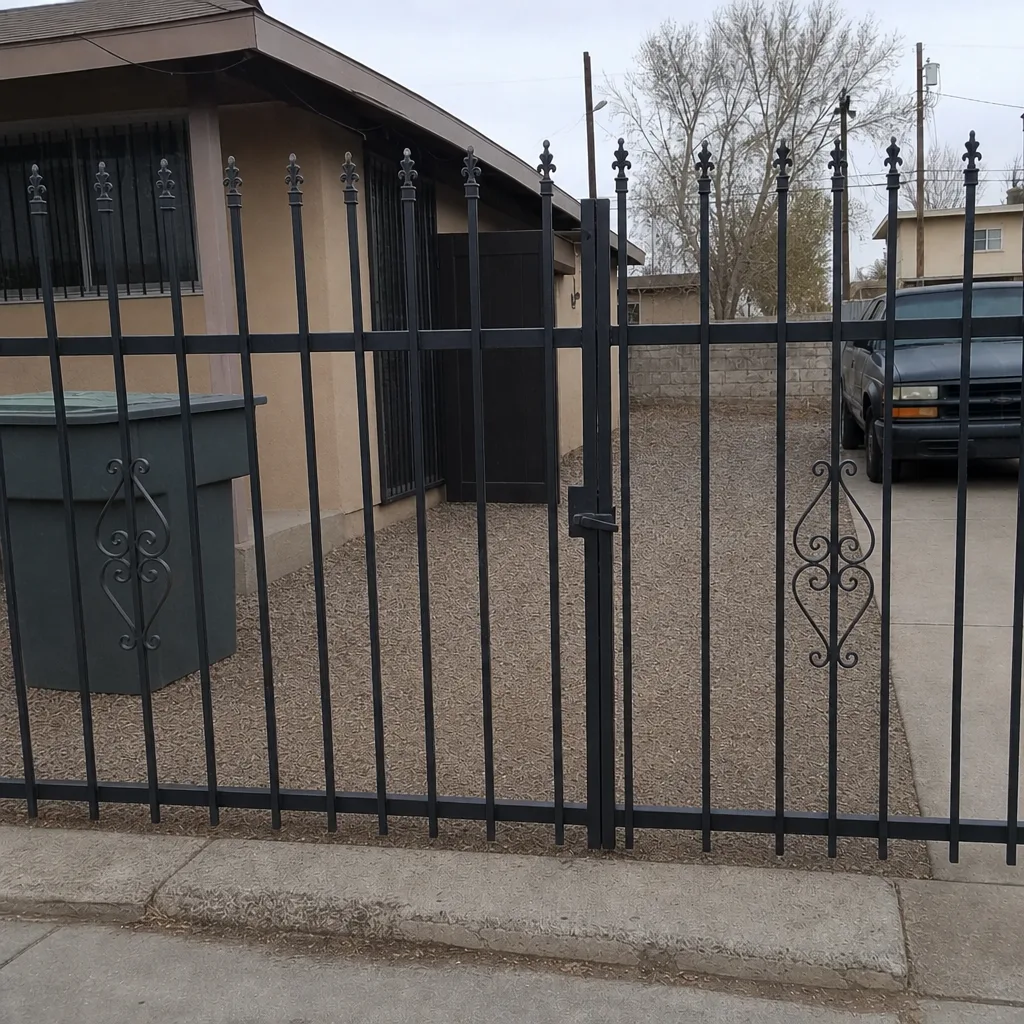
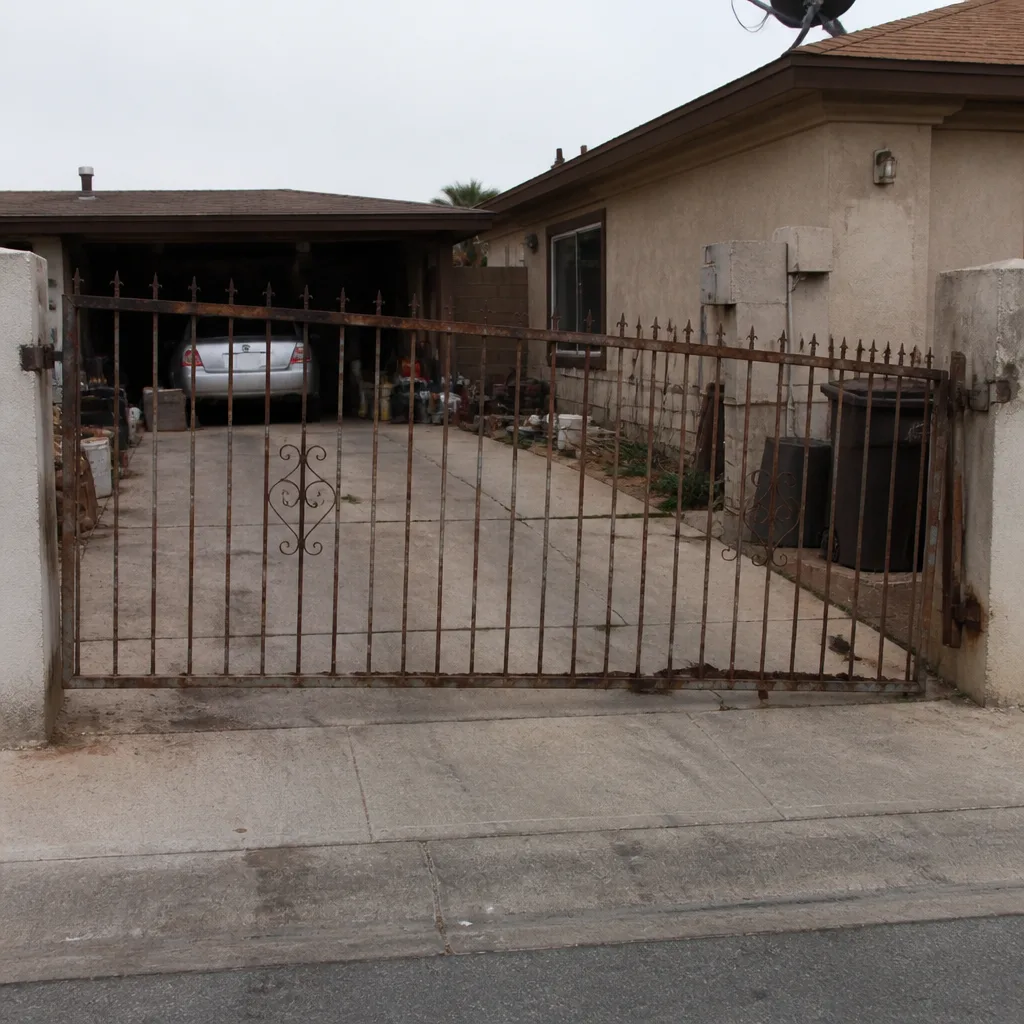
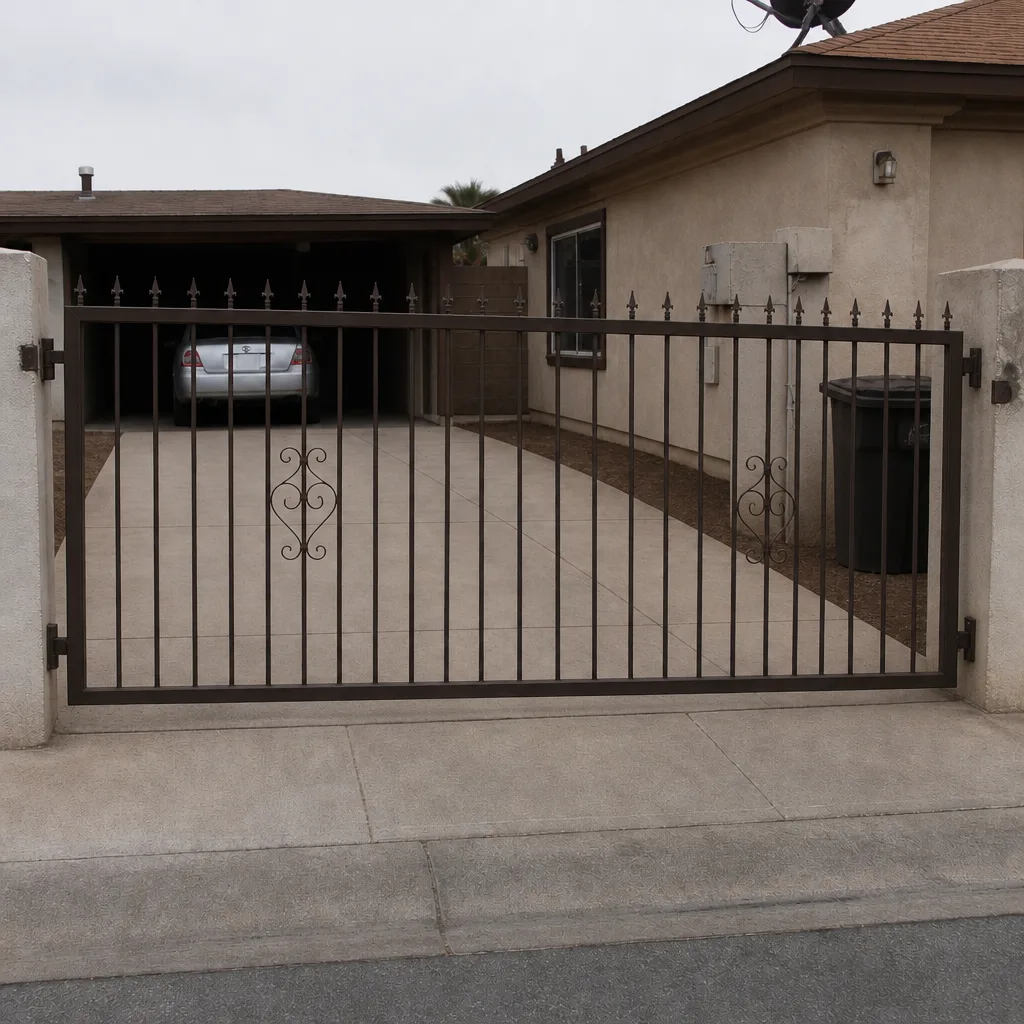
See the difference
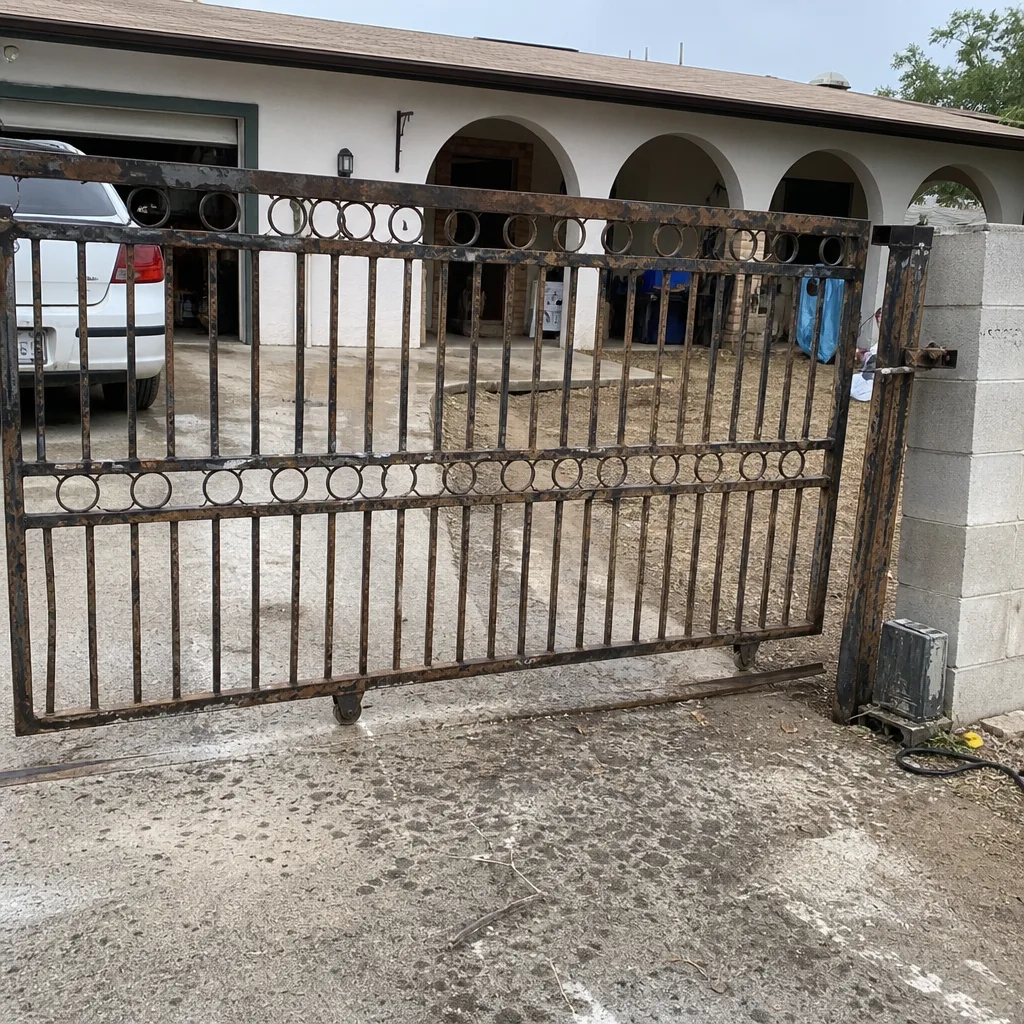 Before
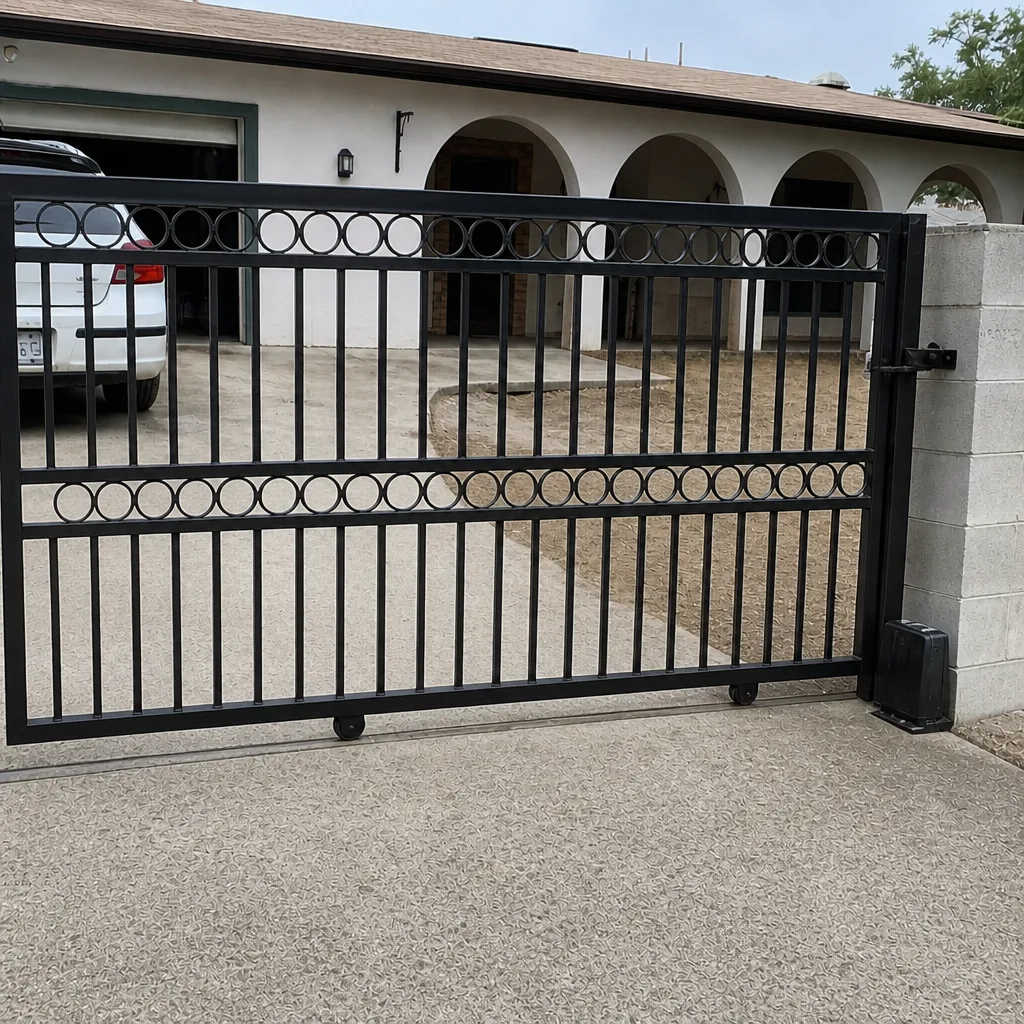 After
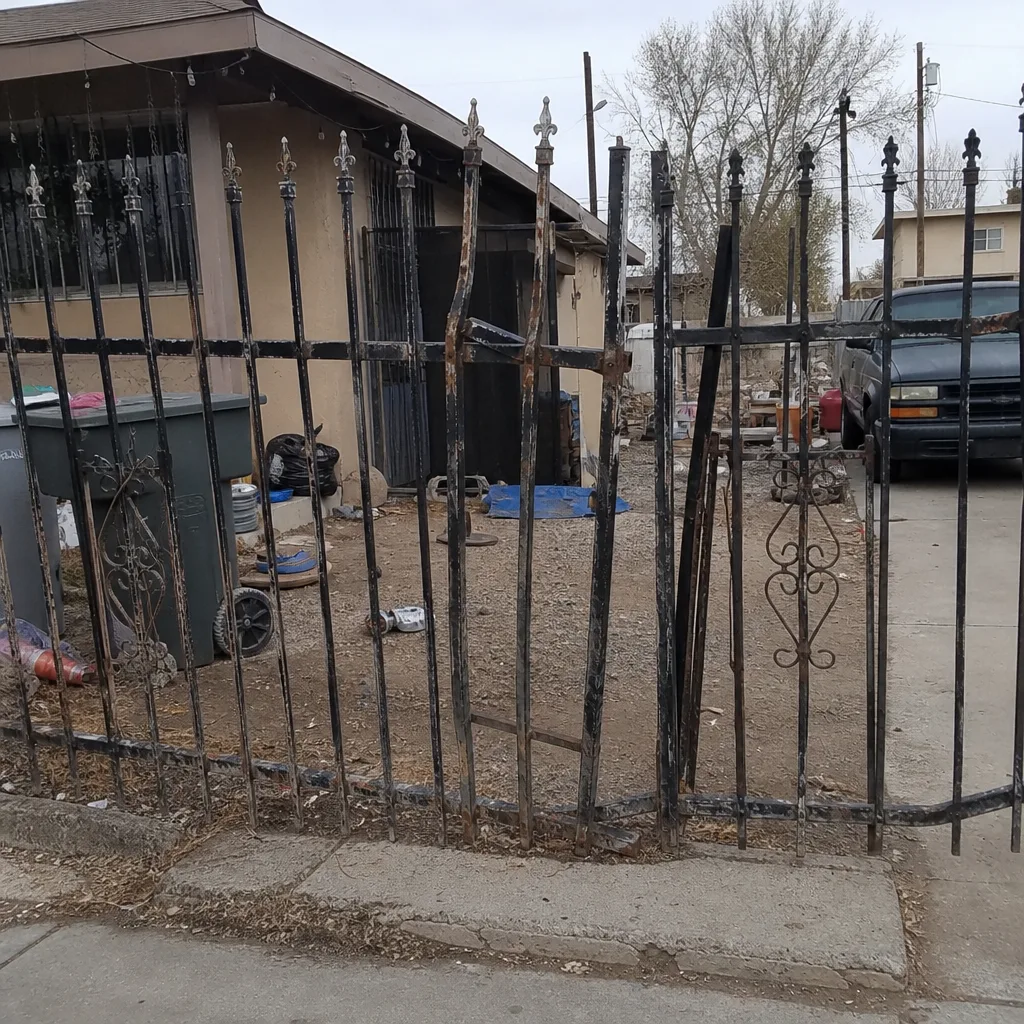 Before
 After
 Before
 After
When to Call a Professional
Call a professional if you see any of the following: a gate that hesitates and the hesitation is getting longer; an LED pattern that’s changed and won’t change back; two or more “access denied” entries for a credential you know is valid in the same week; green or white corrosion on any terminal; a control board that’s warm to the touch when the gate hasn’t run in an hour; or any sign of arcing or a burning smell at the pillar. Those are the signals that mean a hard failure is likely within 30 days in North Las Vegas heat. Also call if the system has been reset and you no longer trust what’s logged, because lost logs are hard to recover. Do not open the operator housing and start testing live components with a screwdriver – low-voltage gate control still carries enough current to damage the board and enough risk to hurt you. Stay on the outside of the panel and call a trained professional. Gatewood Fence & Gate North Las Vegas offers free estimates in North Las Vegas – call (844) 761-9351.
Frequently Asked Questions
Yes. A gate that fails the tenth time is more urgent than a gate that fails every time, because something inside is still running and heating up under load – usually a relay, a transformer, or a control board. Those parts tend to fail in clusters. Get it diagnosed before the tenth failure becomes the permanent one. Call (844) 761-9351 for a free estimate in North Las Vegas.
A slow blink usually means the unit has power but has lost the signal memory for a transmitter – most often a remote battery or a loose antenna. A rapid double-flash usually means low voltage at the keypad, which points to the transformer or the wiring run. A dim, flickering glow means a sagging power supply. Note the exact pattern and call (844) 761-9351 – the pattern tells the tech what to expect before they arrive.
Repeated denials for a valid credential are a hardware symptom, not a programming error. The most common causes are a reader that’s processing too slowly and timing out, a failing reader antenna or coil, and a control board with a drifting real-time clock that closes a scheduled window too early. In North Las Vegas, the reader on a sun-facing pillar is the first thing to check. Call (844) 761-9351 for a free estimate.
Faster than most homeowners expect. The same warning-sign-to-failure timeline that would be two to four weeks in a moderate climate can compress to seven to ten days when the pillar is baking in July and August. Corrosion that would take months elsewhere can reach a hard failure in about 30 days once it’s on the terminal. Treat any intermittent response in summer as urgent.
Cleaning and re-torquing a terminal is a small job, but do it with the power off and don’t spray anything into the housing – especially not WD-40, which attracts grit in a dusty climate. If you’re not sure what you’re looking at, don’t guess. A free second opinion on any written estimate is a standing offer, and a technician can tell you in ten minutes whether it’s a cheap fix or a board. Call (844) 761-9351.
Yes. We’re certified to service nine major gate brands, including LiftMaster, FAAC, BFT, Linear, Viking, Ghost Controls, DoorKing, Elite, and Mighty Mule. On-site welding and true repair-first work means most fixes stay in your driveway instead of your gate going off to a shop. Every job is backed by our 90-Day Done Right Promise in writing. Call (844) 761-9351 for a free estimate in North Las Vegas.
The Bottom Line
Access control systems don’t quit cold – they warn you for two to four weeks first, and the warnings are readable if you know what to look for. The intermittent response pattern, the LED that changed and won’t change back, repeated denials for valid credentials, and green corrosion on a terminal are the four signals that matter most. North Las Vegas summer heat compresses the timeline, so a hesitation that would be a mild concern elsewhere is a real problem here. If you catch any of these, get it looked at before it becomes a hard failure. Call (844) 761-9351 for a free estimate, or stop by and see Gatewood Fence & Gate North Las Vegas home – the name is on the shop, and the shop is down the road, which is the oldest accountability there is.
Written by the team at Gatewood Fence & Gate North Las Vegas.