
Last updated November 17, 2026
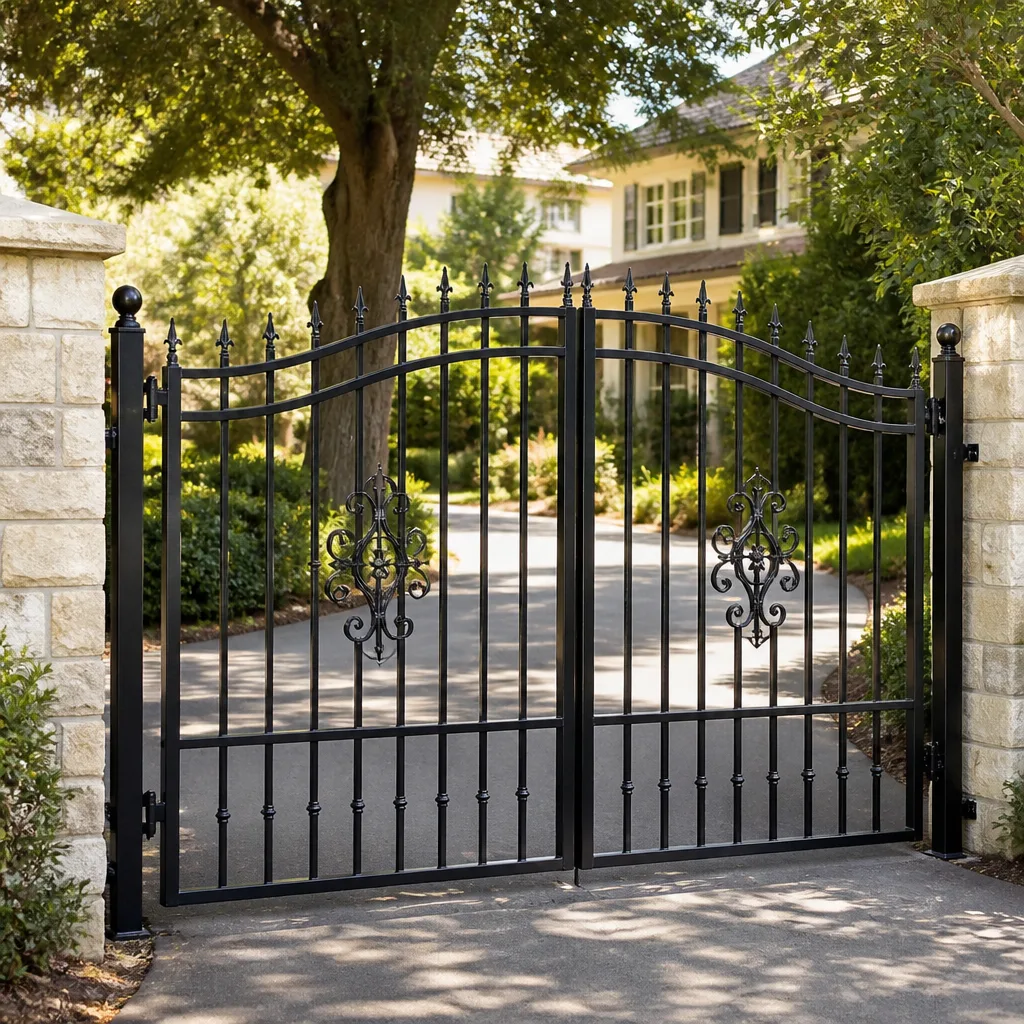 Wrought iron
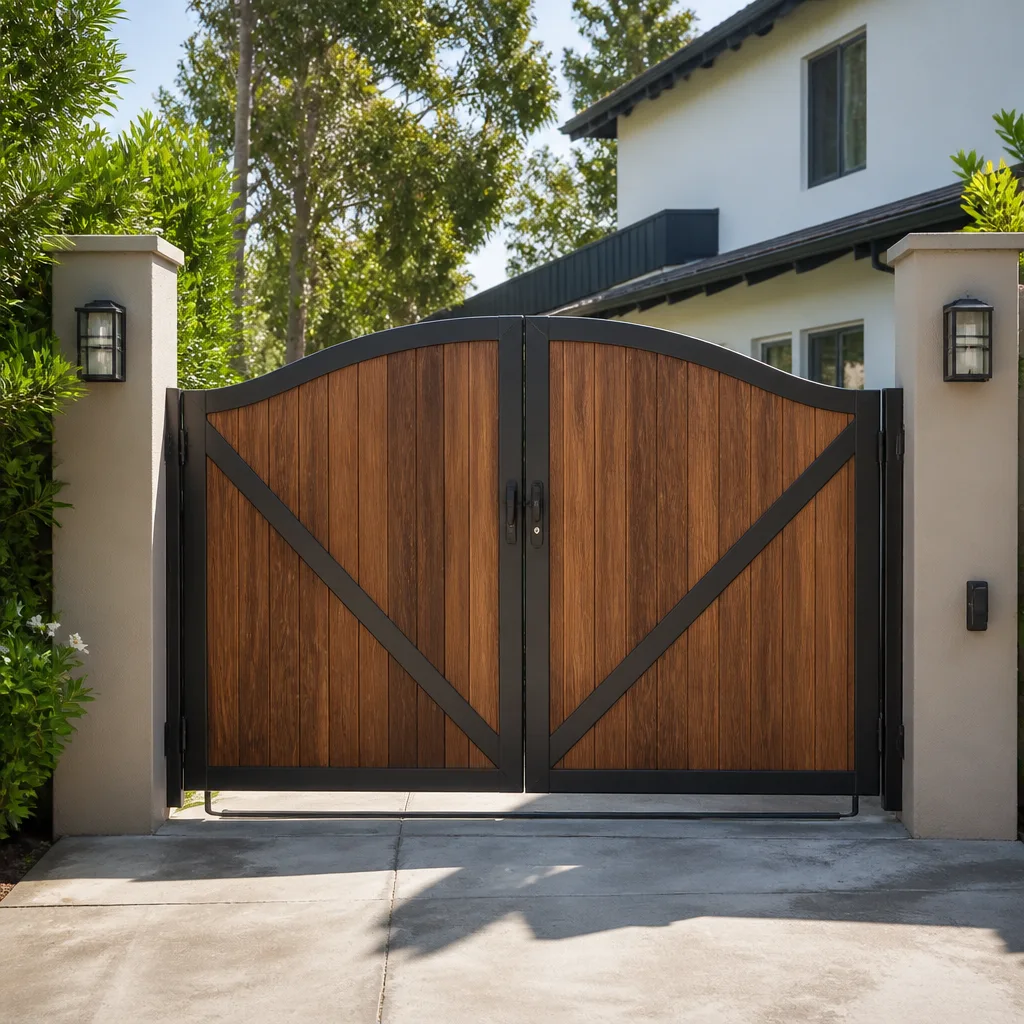 Wood & steel frame
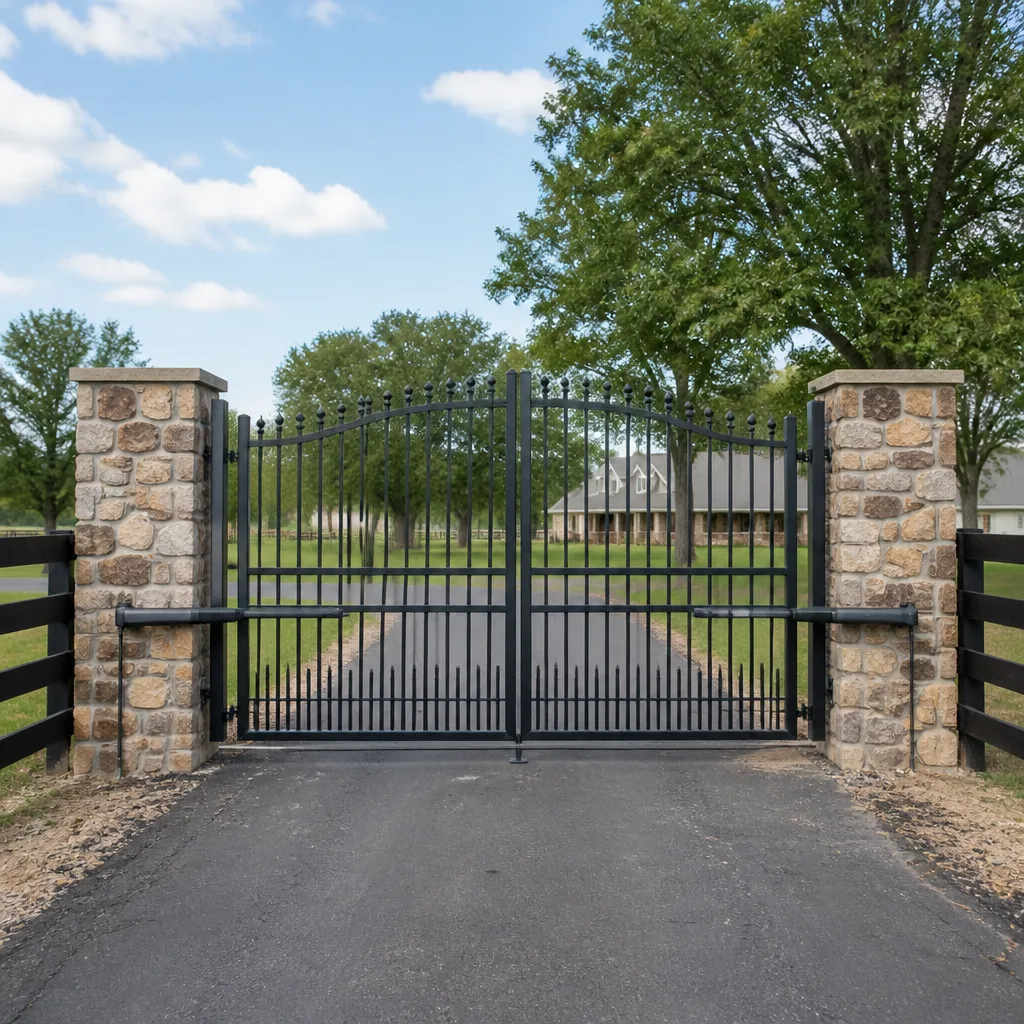 Farm & ranch
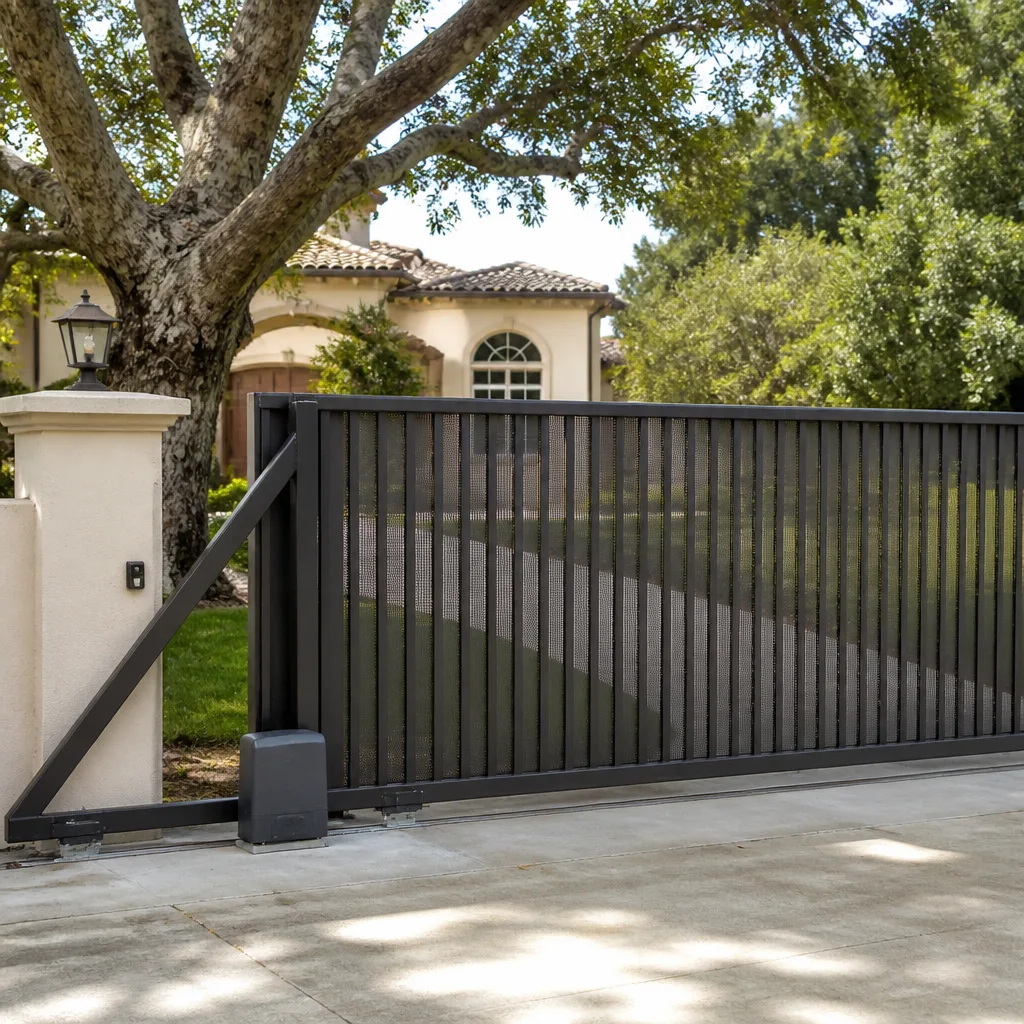 Sliding driveway gates
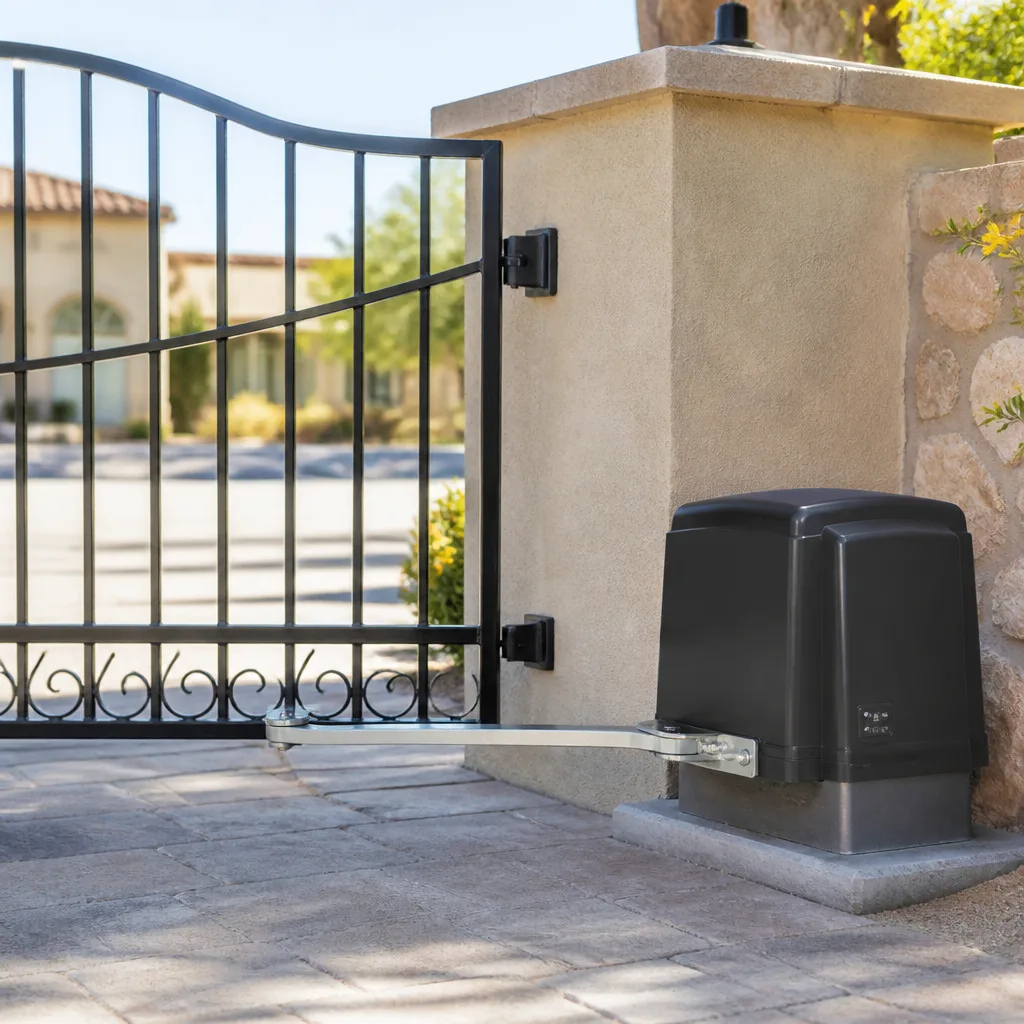 LiftMaster operators
Free on-site gate assessment - hinges, posts, and your LiftMaster or Nice gate operator checked before anything is quoted
The assessment is free and the quote is the invoice.
Get your free estimateGate Access Control Troubleshooting: Common Problems and How to Fix Them
If your gate opens from the remote but the keypad does nothing, the gate is not broken. The gate is fine. What you have is a fault between the keypad and the motor board, and that is a completely different job from a broken gate. Most of the access control calls we run in North Las Vegas land on the same handful of causes: a dead keypad membrane, a loose terminal screw, a relay that never got its signal, or a schedule setting someone changed by accident. This guide walks through the isolation test that sorts those apart in about five minutes, so you can either fix it yourself or call us already knowing what’s wrong. You’ll save time, and you’ll get honest answers instead of a sales pitch.
Quick Answer
Access control problems almost always trace back to the control system, not the gate. Start by testing the gate with a second input device – if the remote works and the keypad doesn’t, the fault lives in the keypad, its wiring, or the programming between them. If nothing works, the problem is upstream at the board, the power, or the operator itself. In our experience across North Las Vegas, about seven out of ten “gate won’t open” calls resolve to an input or wiring issue, not a gate or motor failure.
Styles & brands we work with
- Wrought iron
- Wood & steel frame
- Farm & ranch
- Sliding driveway gates
- LiftMaster operators
Table of Contents
- The Three-Step Isolation Test: Where the Failure Actually Lives
- Keypad Failures That Show Up in Desert Climates
- Testing the Relay Output: The One Test That Tells You for Sure
- App and Cellular Entry Systems vs. Hardwired Systems
- Gate Opens But Won’t Close on Schedule: Programming, Not Hardware
- Reading the Board: LEDs, Fuses, and Power
- When to Call a Professional
The Three-Step Isolation Test: Where the Failure Actually Lives
The isolation test is the fastest way to stop guessing. It works because it removes one variable at a time until only the guilty part remains. You don’t need special tools – just the remote, the keypad, and a walk to the gate. We run this exact sequence on every access control call in North Las Vegas before we touch a screwdriver.
- Test the gate with the remote. Stand where you normally stand. Press the remote button. If the gate opens, the motor, the board, the safety edges, and the gate hardware are all fine. The problem is upstream. If the gate doesn’t open from the remote either, the problem is at the motor or the power – skip to the board section.
- Test the keypad (or app, or intercom) separately. If the remote works and the keypad doesn’t, look at the keypad’s power indicator if it has one. Then check the terminal screws behind it. Nine times out of ten, a keypad that suddenly stopped working has a loose connection at the terminal block or a dead battery in a wireless unit.
- Test with a jumper wire at the board (see the relay section below). If you can send an open command directly to the board and the gate opens, then the board and motor are healthy, and the fault is somewhere between your input device and the board terminal.
That’s it. Three steps, ten minutes, and you know which component to actually fix. No need to replace the gate, the motor, or the operator – just the piece that failed.
Keypad Failures That Show Up in Desert Climates
North Las Vegas is hard on keypads. The summers run 110+ for weeks, the UV index is brutal almost year-round, and the swing between a 45-degree January morning and a 110-degree July afternoon does more damage to outdoor electronics than most people realize. We see three specific failures repeat here, and each one has a distinct signature:
- UV degradation of the key contacts. The membrane or rubber keypad surface cracks and hardens over years in the sun. Once it hardens, the key no longer presses the contact underneath cleanly. The symptom: you have to press a button two or three times, or press it harder than you used to. If your keypad is more than five or six years old and facing south or west, this is the likely culprit.
- False triggers from heat expansion. When the metal housing of a keypad heats up in the afternoon sun, it expands by a fraction of a millimeter. On a cheap or older keypad, that expansion can push the membrane against the contact pad and send a phantom signal – the gate opens on its own, or the keypad backlight stays on all afternoon. Look for the gate opening by itself around 2 to 4 PM in July. That’s the pattern.
- Terminal screw corrosion from temperature cycling. Every hot-cold cycle produces a little condensation on the inside of the keypad housing. Over a few seasons, that moisture corrodes the terminal screws where the wires connect. The symptom: the keypad works in the morning, fails in the afternoon, works again the next day. Moisture expansion and contraction open and close the bad connection with the temperature.
Before replacing a keypad, check the terminal screws – a Phillips screwdriver, a flashlight, and ten minutes is often all the fix takes. If the keypad itself is failing from UV or membrane damage, a modern sealed unit rated for outdoor desert use will outlast the old one by years. For bigger gate or hardware issues, our Gate Repair in North Las Vegas team handles the whole system on site.
Testing the Relay Output: The One Test That Tells You for Sure
If you’ve narrowed the fault to “somewhere between the keypad and the motor,” the next step is to test the relay output from the access control panel. That is the single test that definitively answers the question: is the control system sending an open signal, yes or no?
The relay on your access panel is the switch that tells the gate operator “open now.” When it closes, a small voltage passes through to the operator’s open terminal, and the gate moves. If the relay is not closing, the gate never gets the message – no matter how many times you press the keypad.
The test uses a short piece of insulated wire, often called a jumper. With the gate powered and in manual or safe mode, briefly touch one end of the jumper to the common terminal and the other end to the open terminal on the operator’s low-voltage control strip. Hold it for about one second. If the gate opens, the operator and the board are fine, and the fault lives in the access panel, its wiring, or the keypad feeding it. If the gate does nothing, the operator board itself has a problem – a dead open terminal, a blown fuse, or a failed logic board.
Two things to know before you try this. First, only work on the low-voltage side of the operator – the 12 or 24-volt control terminals, never the 120/240-volt line. Second, if you’re not sure you’re on the low-voltage side, stop. On any Gate Motor & Opener in North Las Vegas job, we test the relay with a meter before we ever touch a jumper wire, and we recommend the same. The small risk isn’t worth a shock or a fried board. Call us and we’ll do it safely.
App and Cellular Entry Systems vs. Hardwired Systems
App-based and cellular access control is a completely different animal from a hardwired keypad. When an app fails, the problem is rarely the app itself – it’s almost always the signal getting to the gate. This is a North Las Vegas problem specifically because our neighborhoods sit in a valley where cell coverage comes and goes. A gate at the far corner of a half-acre lot in a newer exurb often gets a weaker signal than the house does, because the house has more height or a straighter line to the tower.
Here’s how we check an app or cellular system, in order:
- Open the app and check the device status. Most systems show “online” or “offline” for each gate controller. If the controller is offline, the problem is connectivity, not the app or the gate.
- Walk to the gate and check the signal strength. Most cellular modules have a signal LED or a readout on the board. If the signal is low, that’s your fault – the app is sending the command and the gate is never receiving it.
- Test with a local input. Open the gate with a hardwired keypad or remote at the gate. If that works and the app doesn’t, the gate and operator are fine, and the problem is purely the communication path.
- Consider a signal booster or a wired connection. A booster at the gate location costs less than a service call in most cases and solves the problem for good. Some installations support running a wired Ethernet or RS-485 line from the house to the gate – more work upfront, but no more dropped signals.
Hardwired keypads, by contrast, almost never fail from signal. If a hardwired keypad stops working, it’s a wiring, contact, or programming problem, and the isolation test above will find it in minutes. LiftMaster, FAAC, and Linear all make sealed hardwired keypads that last decades here – we sell and service all three.
Gate Opens But Won’t Close on Schedule: Programming, Not Hardware
This one trips up more homeowners than any other. You come home, the gate is open when it should be closed. Or the gate stays open overnight, or shuts on a schedule that no longer matches what you set. In our experience, this is almost never a hardware failure – it’s a programming or relay hold-time setting, and it lives in the control panel, not in the gate.
Where the setting lives depends on your system:
- On a LiftMaster or Linear operator board: look for the “hold open” or “schedule” menu, usually a set of DIP switches or an LCD menu on the board. If the “hold open” command was triggered accidentally – by a stuck exit button, a bad keypad contact, or a fire-alarm interface – the gate will stay open and ignore its schedule until that signal clears.
- On a DoorKing or access manager: the schedule itself lives in the management software or the programmer. A single misfired relay or an outdated daylight-savings time can shift the whole schedule by an hour. Check the time and date on the panel first – we’ve seen entire subdivisions in North Las Vegas with gates that “woke up late” after the clock drifted.
- On a wireless or app-based system: check the automation rules inside the app. A rule that says “close at sunset” won’t fire if the app lost its time sync with the gate. Log out and back in, then refresh the controller’s clock.
If the gate closes from the keypad but not on schedule, the operator itself is healthy. It’s the schedule, the clock, or a stuck hold-open signal. Those are fixable without touching the gate, and on a single gate it’s often a five-minute call. If the gate won’t hold at all – it drifts back open after trying to close – that’s a different problem, usually a safety edge or a loop detector, and it needs a technician on site. Our Gate Installation in North Las Vegas page covers how the sensors are set up on new gates.
Reading the Board: LEDs, Fuses, and Power
When the isolation test points to the operator or the board, the board itself has a language. Every modern operator board – LiftMaster, FAAC, BFT, Linear, and the rest – has a set of LEDs that tell you what state it’s in. Reading those LEDs is the difference between “the gate is broken” and “the board sees a fault on input 3.”
What to look for on the board:
- Power LED: if it’s dark, the board is not getting power. Check the breaker, then check the inline fuse on the board – a small automotive-style fuse that pops on power surges. North Las Vegas summer lightning storms and monsoon season surges are the usual cause of a popped operator fuse.
- Open and close command LEDs: these light up when the board receives an open or close signal. If you press the keypad and the open LED doesn’t light, the signal isn’t reaching the board – go back to the relay test.
- Safety edge and loop LEDs: a stuck safety edge or a bad loop detector will prevent the gate from closing, and the LED will tell you which one. Loop detectors in the driveway are a common culprit in North Las Vegas because the asphalt cracks from heat and eventually cuts the loop wire.
- Error or fault LEDs: flash patterns mean specific things. The manufacturer’s manual has the code chart. If you don’t have the manual, call us – we know the common flash patterns for all nine brands we service.
A popped fuse costs a few dollars. A bad loop detector costs more, but it’s still a repair, not a replacement. Never let a technician tell you “the board is bad, you need a whole new operator” without showing you the LED pattern that proves it.
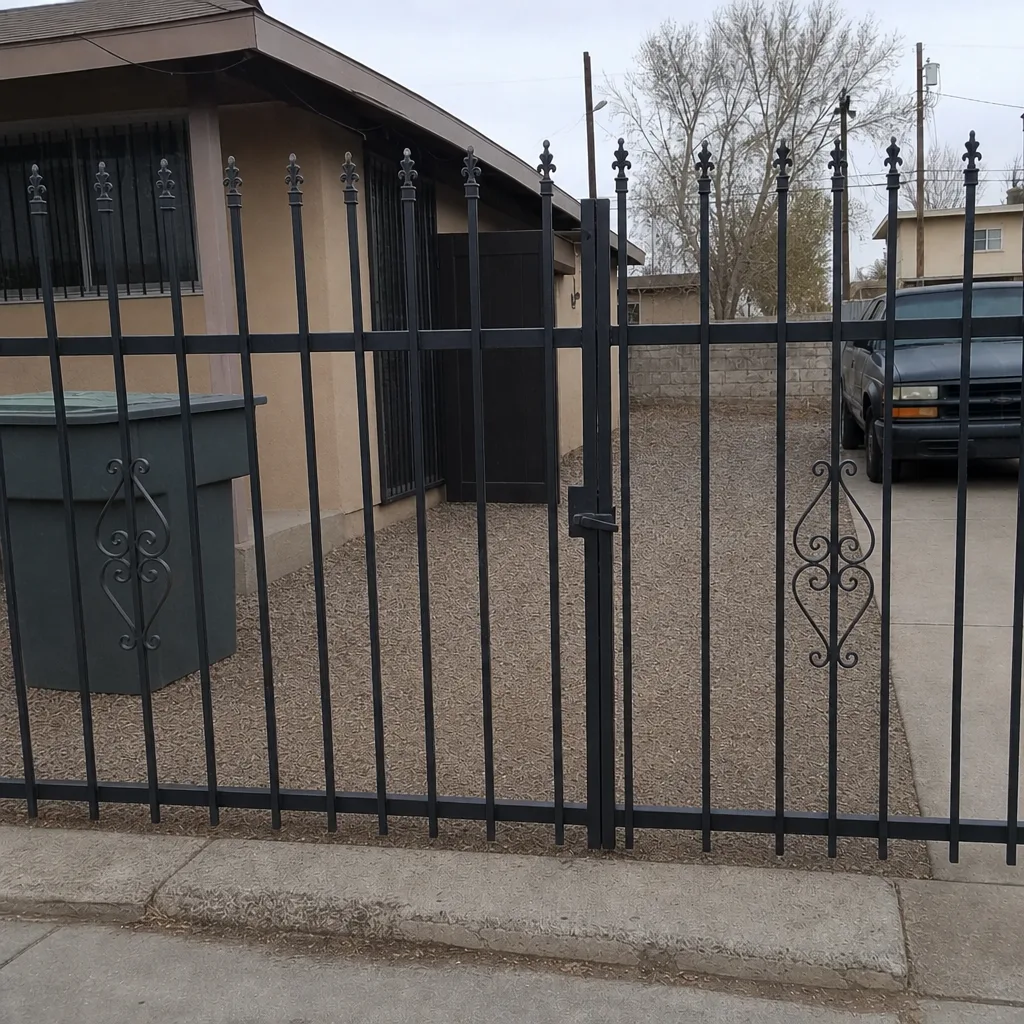
See the difference
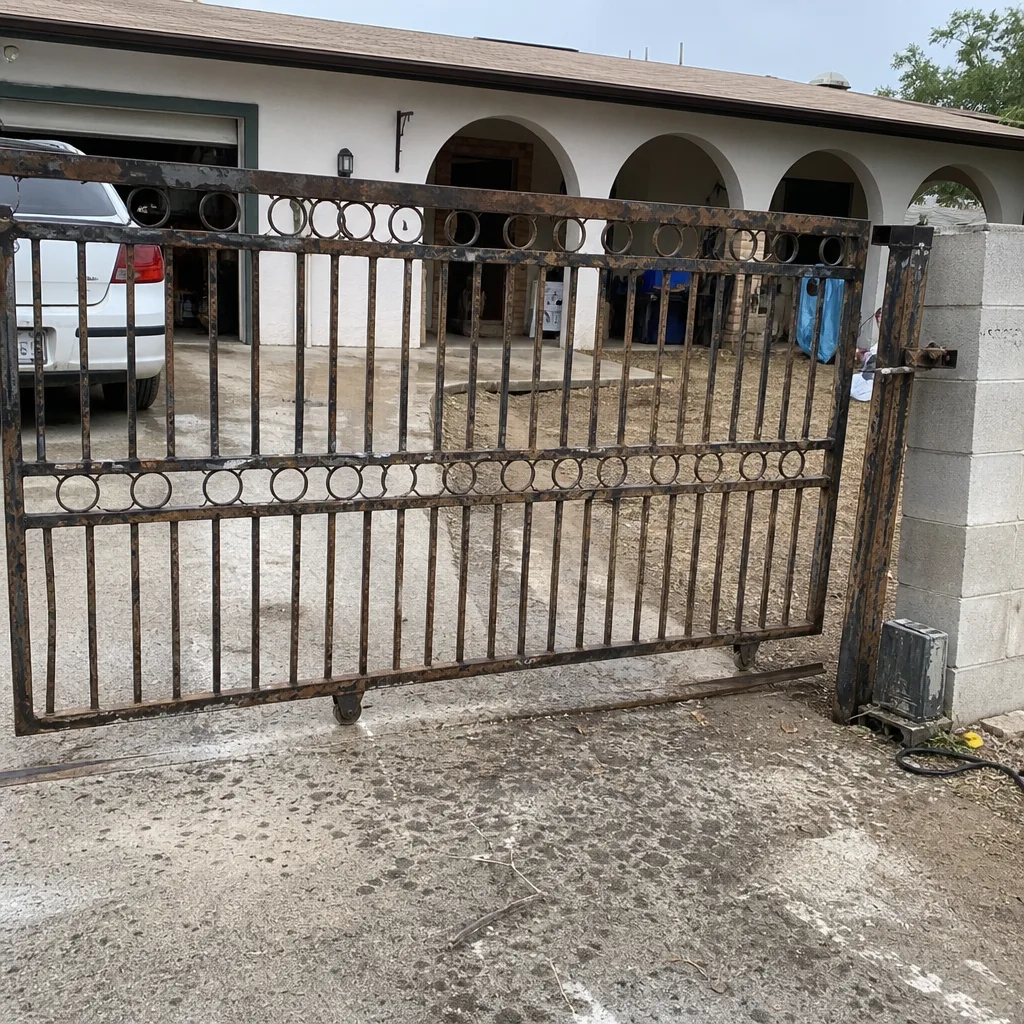 Before
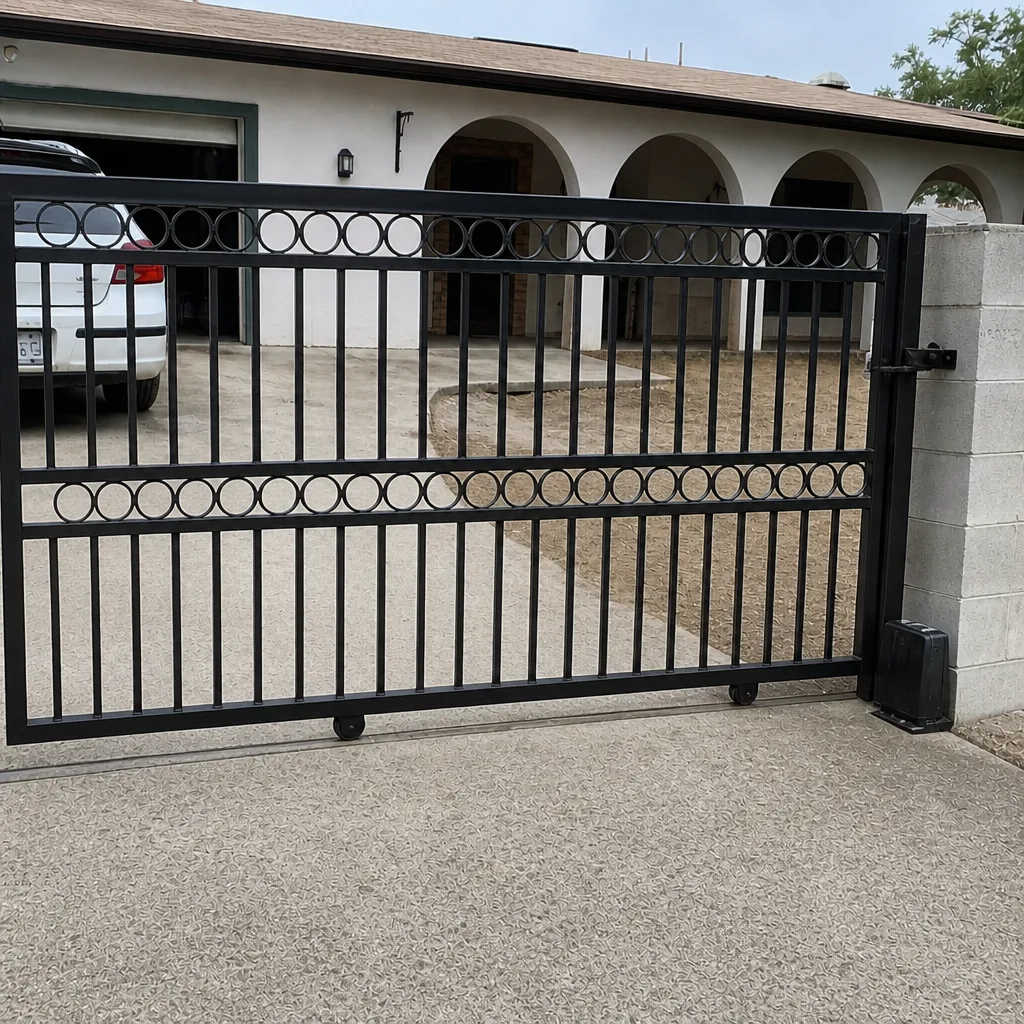 After
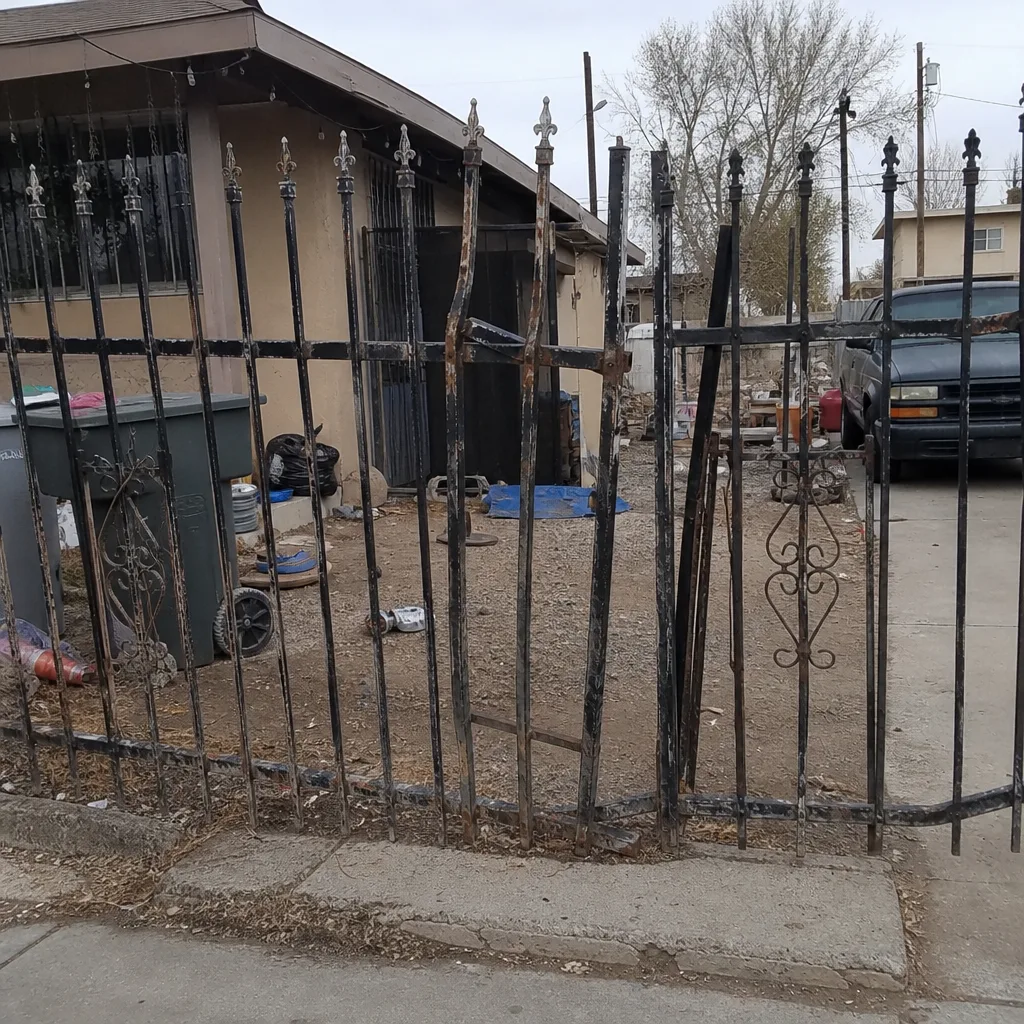 Before
 After
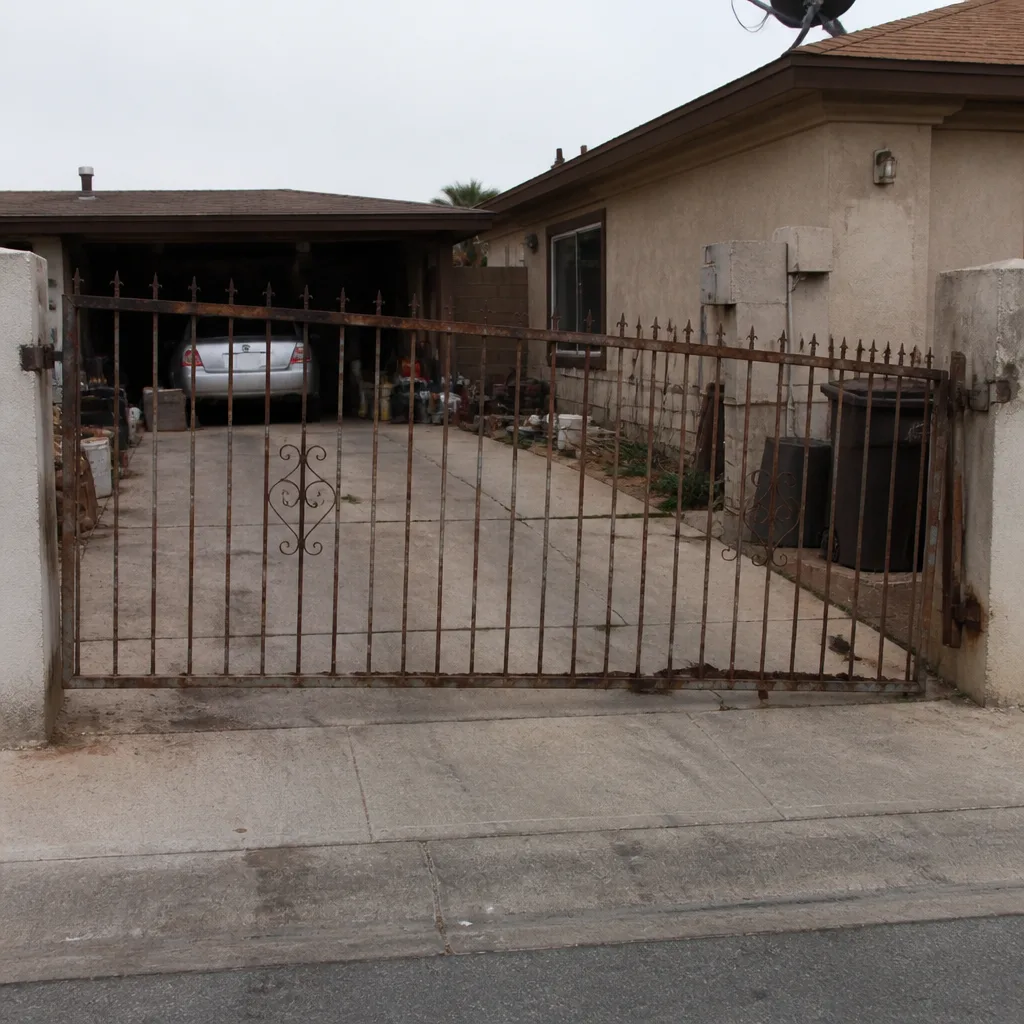 Before
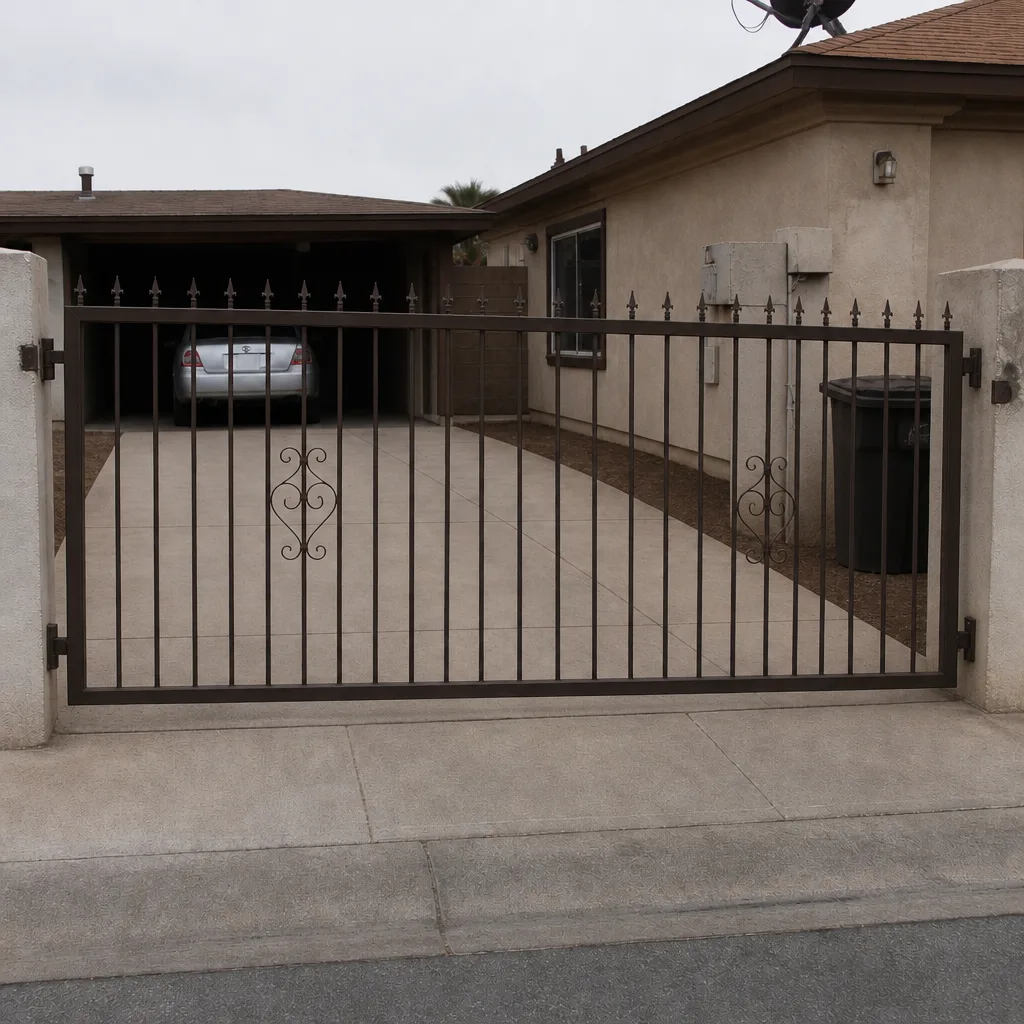 After
Common Mistakes to Avoid
- Replacing the gate or motor before isolating the fault. Nine out of ten access control calls that end in a new operator were never actually tested. If the remote works and the keypad doesn’t, the motor isn’t the problem. Do the isolation test first.
- Skipping the terminal screws on the keypad. A loose terminal is the most common keypad failure we see in North Las Vegas, and it takes ten minutes to check. Pull the keypad off the wall and look at the screws before you spend $200 on a replacement.
- Assuming a scheduled close failure is a hardware problem. If the gate opens fine and only fails on schedule, the gate is probably healthy. Check the panel clock and any hold-open signals first.
- Testing a jumper wire on the wrong side of the operator. The low-voltage control terminals are safe; the 120/240-volt line terminals are not. Read the manual, know which side you’re on, and if you’re not sure, call a licensed pro.
- Ignoring the loop detector in the driveway. A cracked loop from summer heat won’t always show up as a hard failure. It shows up as a gate that closes, then reverses, then tries again, then finally gives up and stays open. That’s a loop, not a motor.
- Hiring a “gate company” that wants to haul the gate to the shop. On-site welding and repair-first diagnostics fix ten times more gates than a swap does, and it costs you less. Ask before you agree to a removal.
- Not writing down what the LED pattern is doing. If you do call us, the single most useful thing you can tell us is the flash pattern on the board. A photo on your phone works even better.
When to Call a Professional
Some faults need a pro on site, no way around it. If the gate opens from the remote but the board is throwing an error code you can’t identify, if you smell burning from the operator housing, if the loop detector is cutting in and out, if a safety edge test fails, or if the gate won’t hold position and reverses on close – those are all technician calls. So is anything involving the high-voltage line into the operator, a bad hold-open signal from a fire panel, or a gate that needs on-site welding at the hinge post. One thing we always remind people: a gate that won’t close on schedule is a security gap, not a cosmetic issue, so don’t put it off for weeks. Gatewood Fence & Gate North Las Vegas offers free estimates in North Las Vegas – call (844) 761-9351 and we’ll send someone out. If you want to see what we handle, our Gatewood Fence & Gate North Las Vegas home page lays it out.
Frequently Asked Questions
Intermittent keypad failures in North Las Vegas almost always trace to a loose terminal screw, corroded contacts, or a UV-damaged keypad membrane that only fails under heat. The fault is inside the keypad housing or at the wiring, not in the gate. Pull the keypad, check the terminal screws, and if they’re clean and tight, the keypad itself is probably at end of life. Call (844) 761-9351 for a free second opinion.
A gate that opens on its own around 2 to 4 PM is usually heat expansion pressing the membrane keys inside a sun-facing keypad, or a stuck relay on the access panel. Look at the keypad first – if it faces south or west and is more than a few years old, that’s the likely cause. If the keypad is fine, the relay on the access panel needs testing. Call (844) 761-9351 and we’ll diagnose it on site.
Use a short jumper wire to briefly connect the common and open terminals on the operator’s low-voltage control strip. If the gate opens, the panel is sending the signal and the operator is fine. If the gate doesn’t open, the operator board is the problem. Never test on the high-voltage side – if you’re not sure which side is which, call us at (844) 761-9351.
Because the schedule lives in the control panel, not the gate. A hold-open signal that got stuck on, an outdated clock on the board, or a misfired relay will keep the gate open on schedule without any hardware failure. Check the panel clock and any stuck exit or fire-panel signals first, then call us for a free second opinion at (844) 761-9351.
The gate is fine. The problem is the cellular signal at the gate location – a common issue in North Las Vegas neighborhoods where the valley blocks coverage. Walk to the gate and check the signal LED on the module. A signal booster or a wired connection solves it permanently. Call (844) 761-9351 for a free estimate on the fix.
We’re certified to service nine major brands including LiftMaster, FAAC, BFT, Linear, Viking, Ghost Controls, DoorKing, Elite, and Mighty Mule. Every job carries our 90-Day Done Right Promise, and we answer the phone with a live person 24/7. Call (844) 761-9351 for a free estimate.
The Bottom Line
Access control failures feel like gate failures but rarely are. The isolation test – remote, then keypad, then jumper wire at the board – sorts the fault into the input device, the communication path, or the operator, and most of the time you find a ten-minute fix instead of a costly replacement. In North Las Vegas, the extra wrinkle is the sun: keypads degrade from UV, terminal screws corrode from temperature cycling, and cellular coverage at the gate is weaker than at the house. Keep the keypad clean, check the terminal screws once a year, and don’t confuse a schedule failure with a hardware failure. And if you’d rather have someone with up-to-25-years of experience look at it, that’s what we’re here for.
If you’ve read this far and the isolation test still leaves you guessing, call us at (844) 761-9351 for a free estimate. We’ll come out to North Las Vegas, run the test, and tell you exactly what’s wrong.
Written by the team at Gatewood Fence & Gate North Las Vegas.