
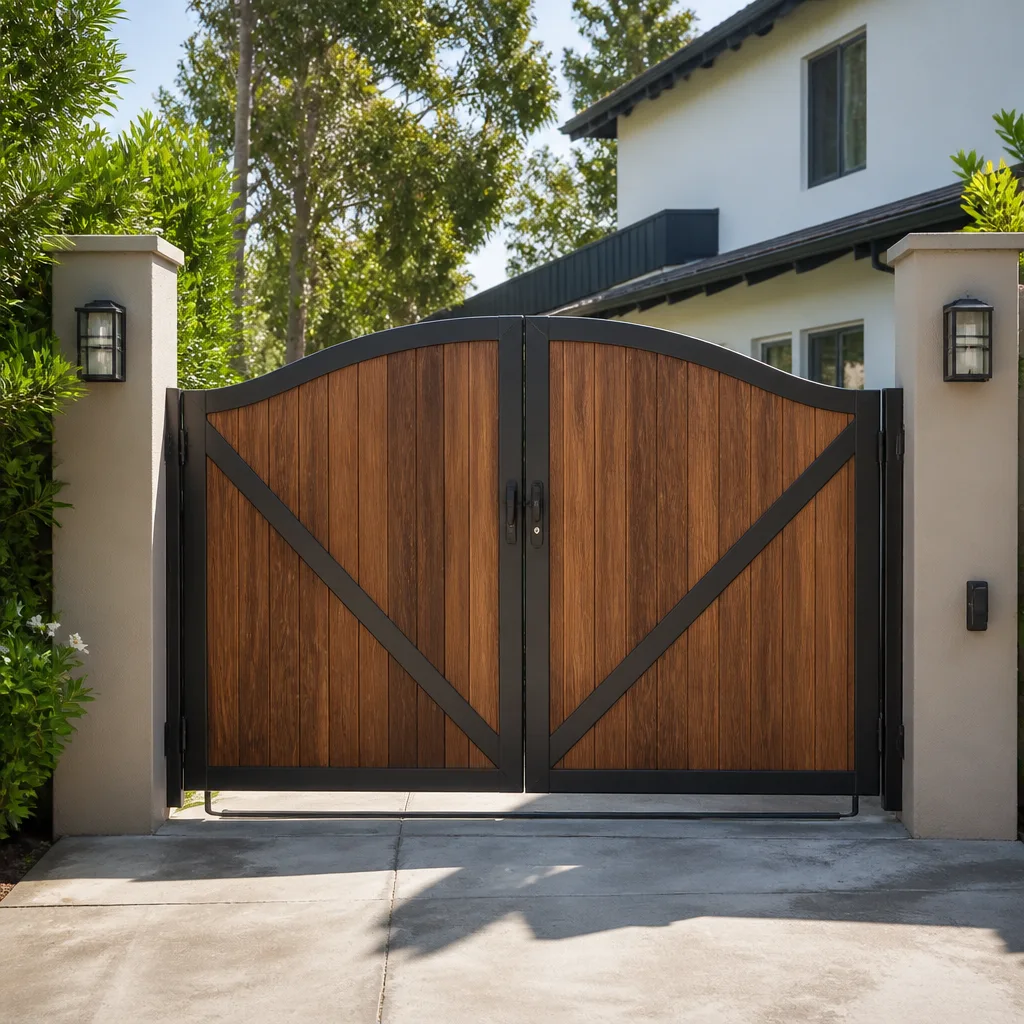
 Wood & steel frame
 Wrought iron
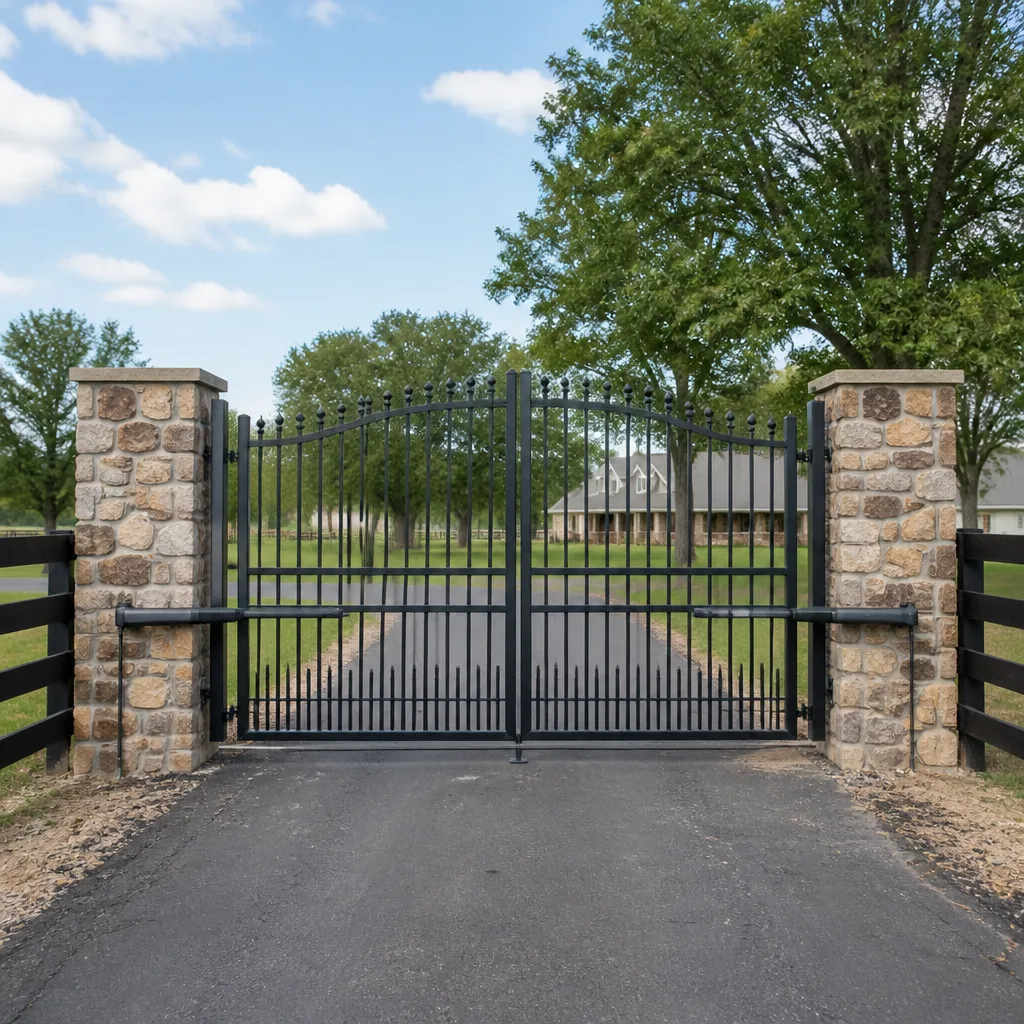 Farm & ranch
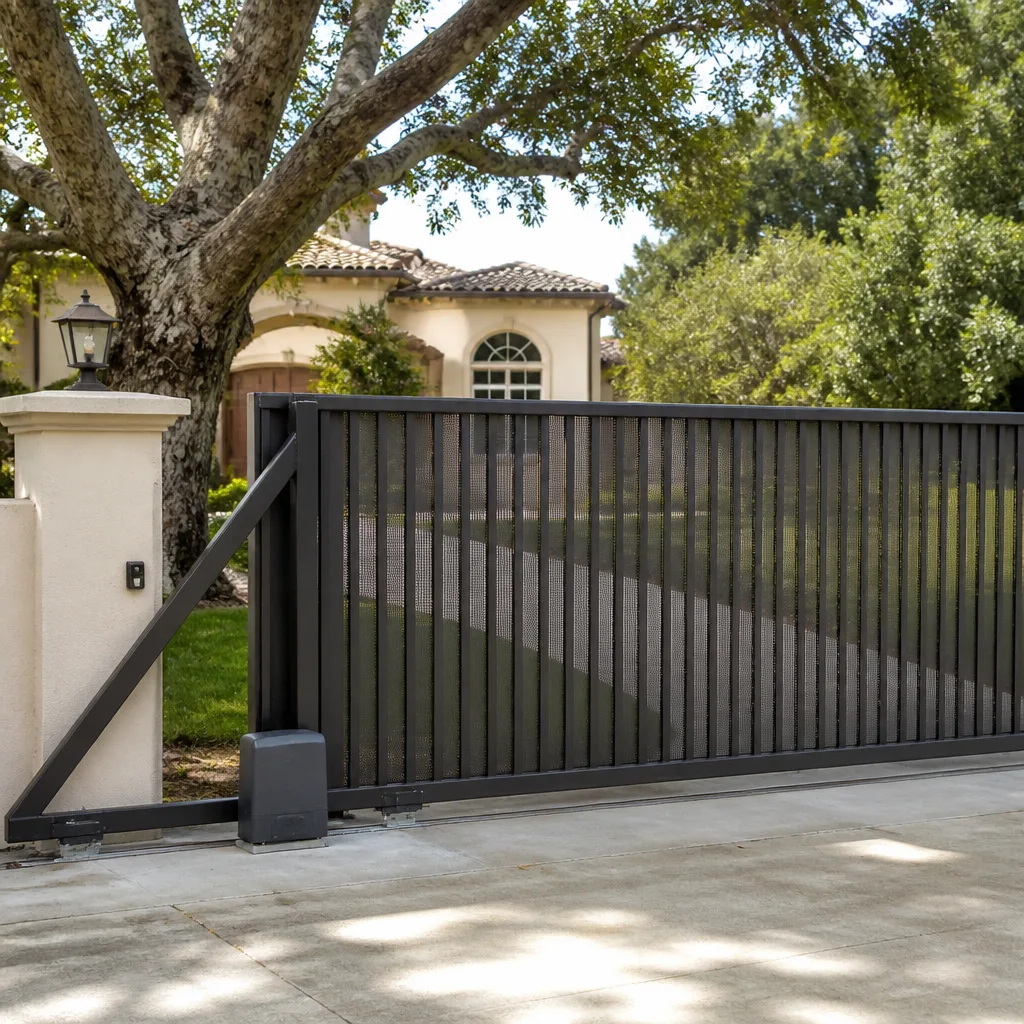 Sliding driveway gates
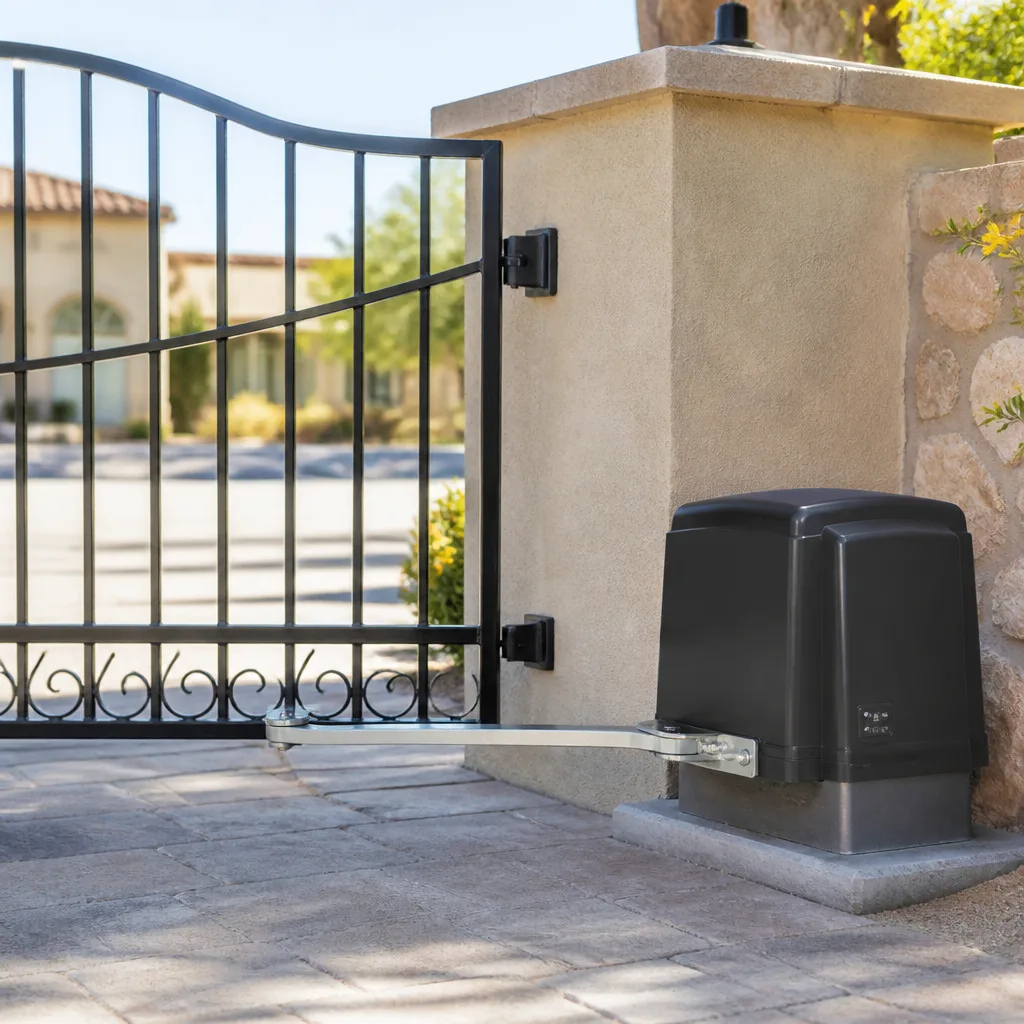 LiftMaster operators
Free on-site gate assessment - hinges, posts, and your LiftMaster or Nice gate operator checked before anything is quoted
The assessment is free and the quote is the invoice.
Get your free estimateStyles & brands we work with
- Wrought iron
- Wood & steel frame
- Farm & ranch
- Sliding driveway gates
- LiftMaster operators
See the difference
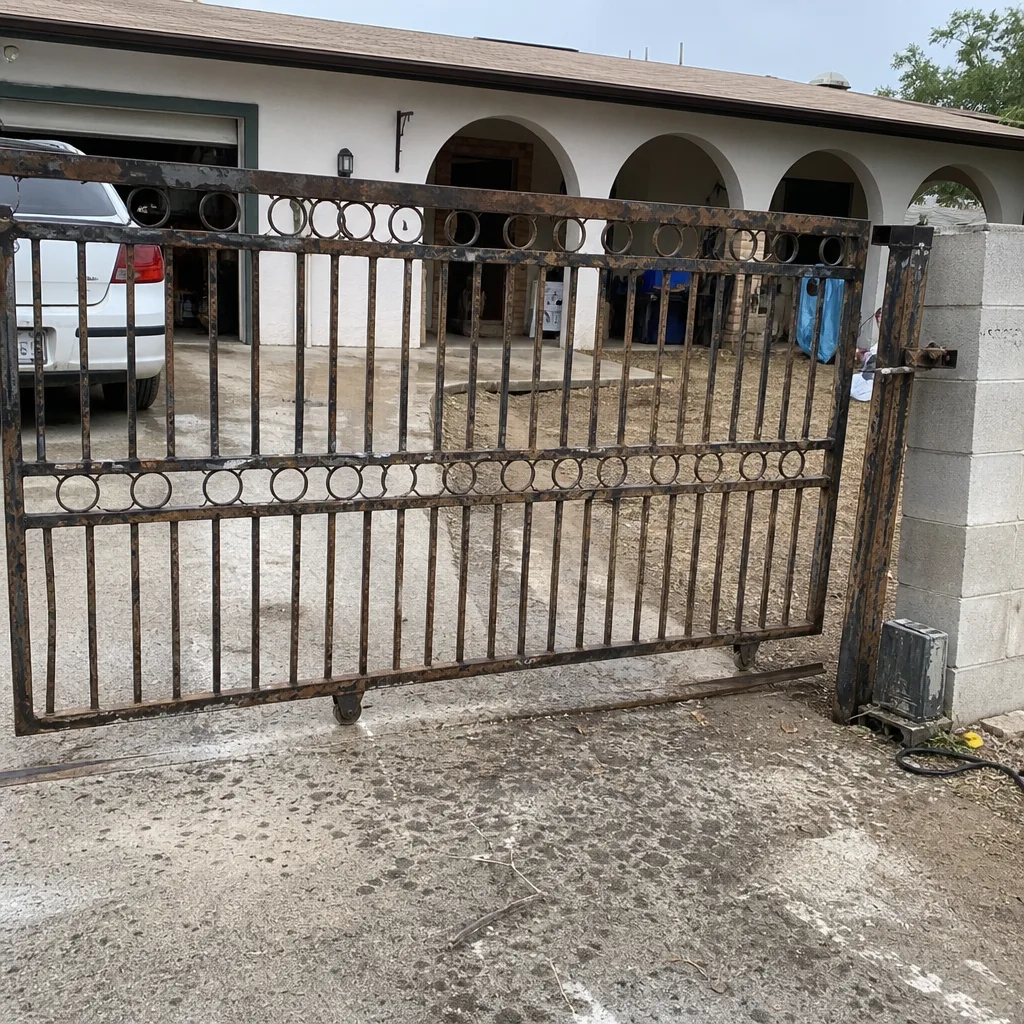 Before
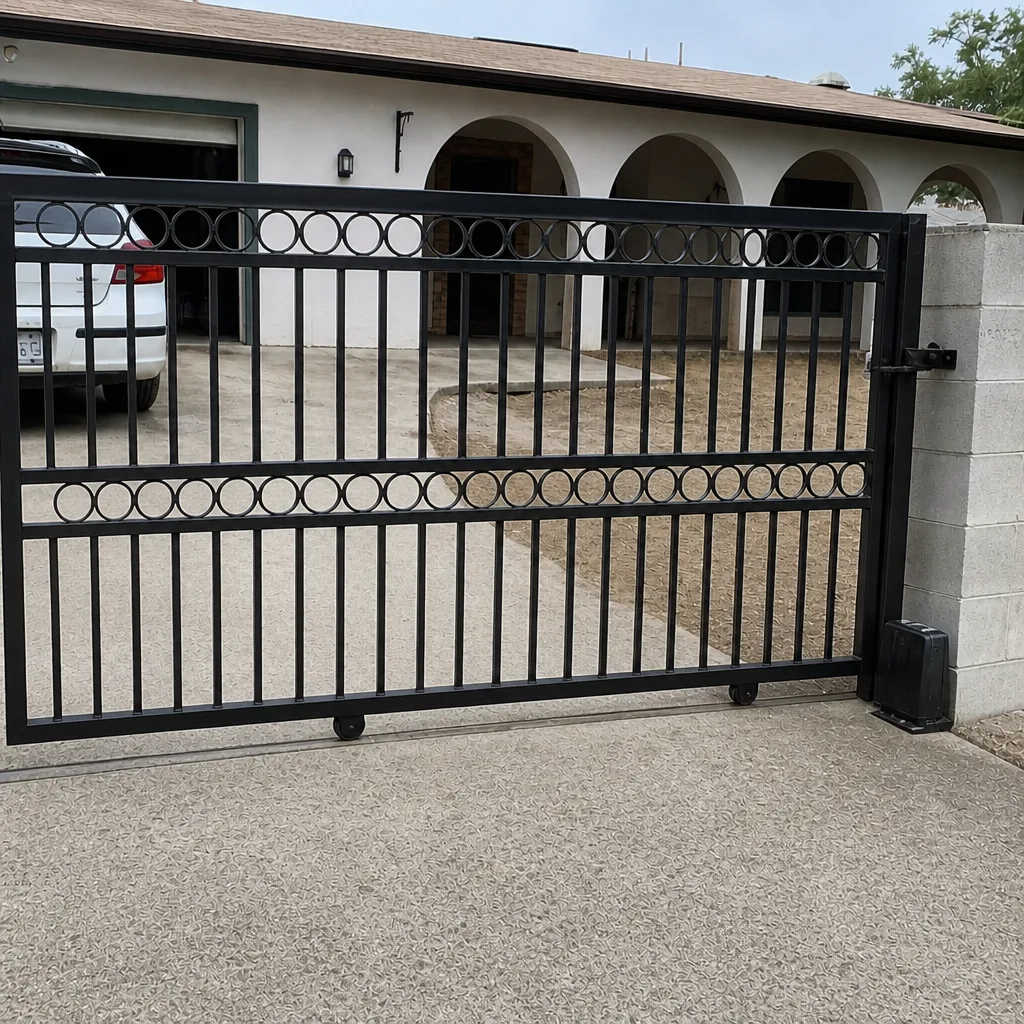 After
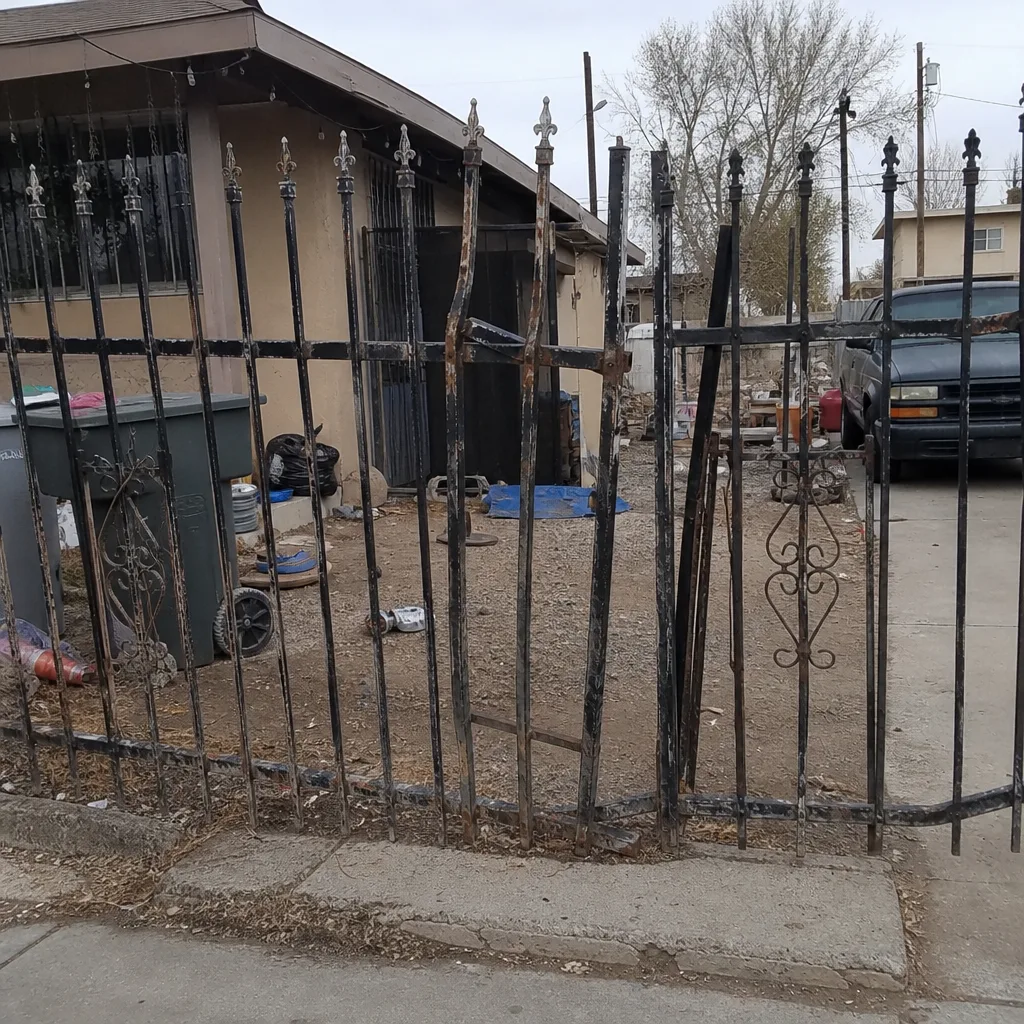 Before
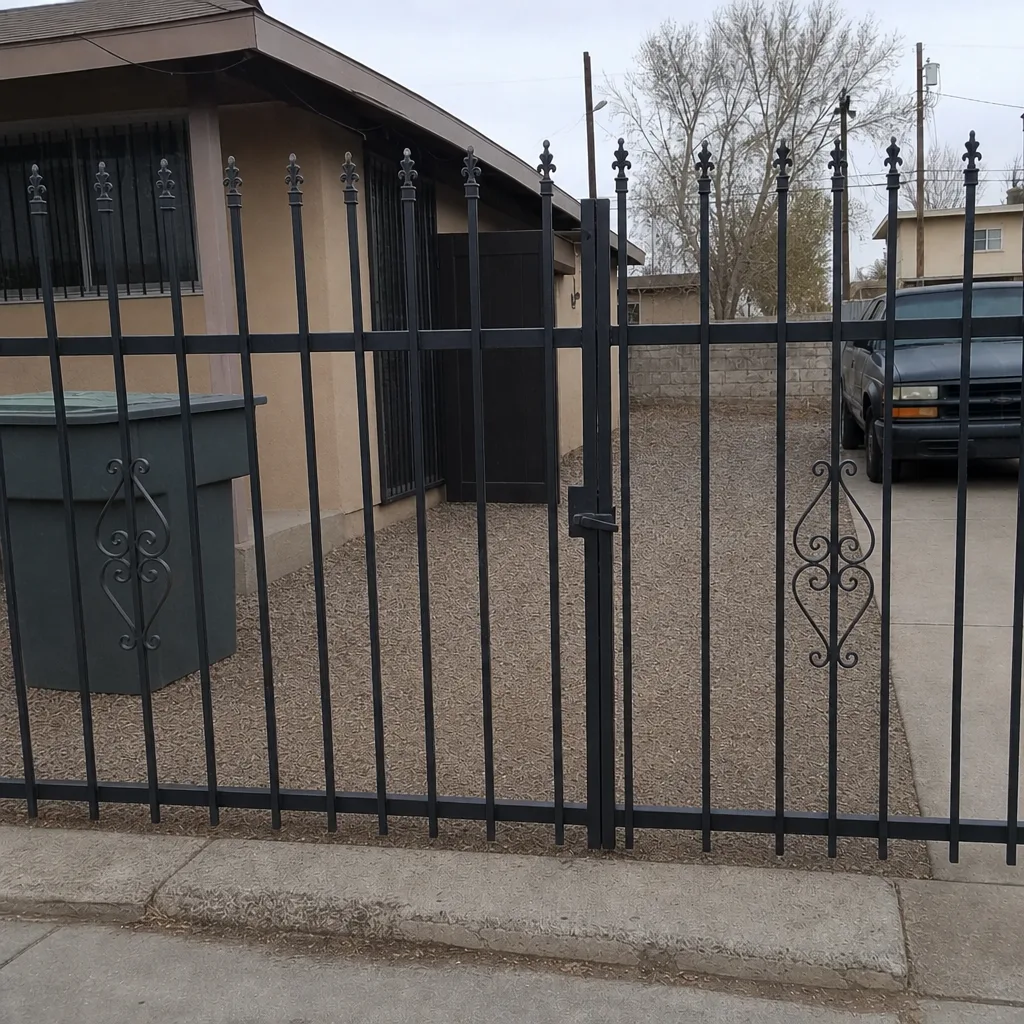 After
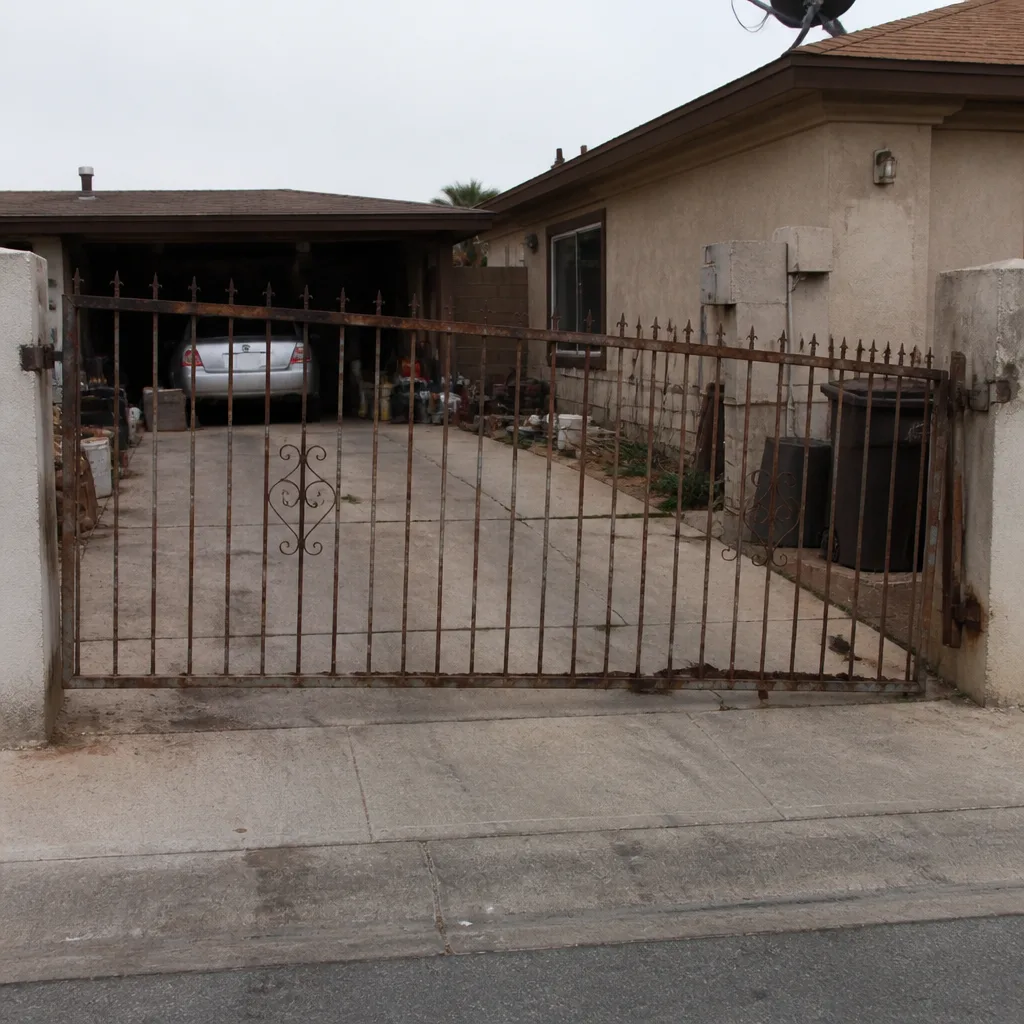 Before
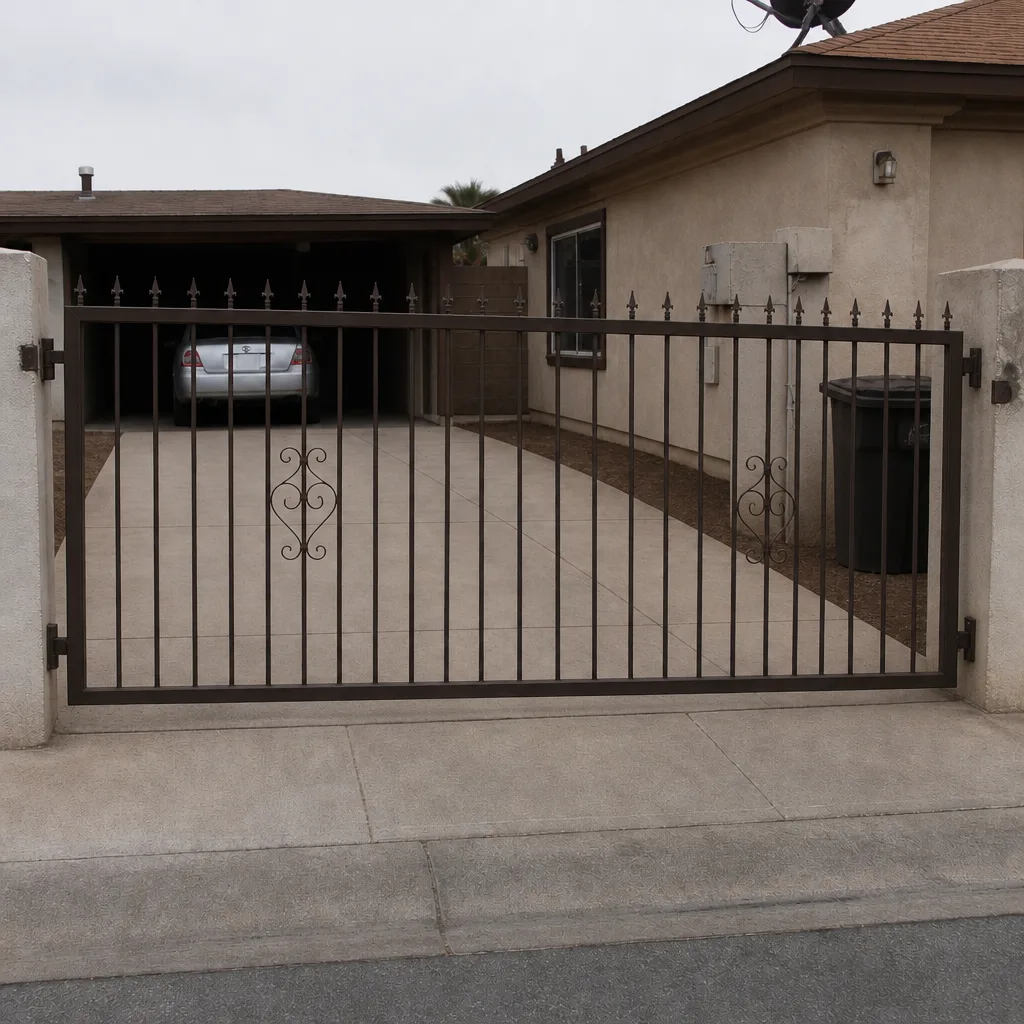 After
How to Reset an Automatic Gate in North Las Vegas (When the Label Has Faded Off)
There’s no single reset button that works on every automatic gate: the sequence depends on the operator brand and model, and in North Las Vegas the unit you’re staring at is most likely a builder-grade Linear, Mighty Mule, or LiftMaster from the 2000s housing boom. Most reset procedures amount to a power cycle plus a limit re-learn, but the button holds, timing, and limit steps differ by model. If you can find the model number, you can usually reset it yourself in about five minutes. If you can’t, the housing shape and button layout will narrow it to two or three likely candidates, and that’s enough to try the right sequence.
North Las Vegas’s rapid build-out of master-planned communities like Aliante and Eldorado in the 2000s left thousands of homes with original builder-grade operators that are all failing on roughly the same schedule. That means we see the same handful of models over and over, and we’ve learned their resets cold. If you’d rather skip the guesswork, call (844) 761-9351 and we’ll talk you through identifying yours. Our technicians have up to 25 years of experience, and every job we do carries the 90-Day Done Right Promise in writing.
What to look for: identifying your operator when the label is gone
The model tag on these units is usually a silver or white sticker on the underside or back of the housing, and after fifteen summers of desert sun it’s often bleached to a blank rectangle. Don’t waste time squinting. Work from the physical profile instead. Here’s what actually narrows it down:
- Housing color and shape. Linear units from that era tend to be gray or black with a boxy rectangular cover. Mighty Mule operators are usually black with a rounded or tapered top and a single prominent control panel door. LiftMaster units often have a distinctive yellow or orange accent ring around the learn button.
- Button layout. Count the buttons on the control panel. One button plus a small LED points to one family; three buttons in a row points to another; a membrane keypad with up/down/learn is a different beast entirely.
- Arm style. A single swing arm with a visible linkage is a different operator family than a sliding-track unit. Note which you have before you call anyone.
- HOA uniformity. In Aliante and similar communities, gates were installed to a uniform builder spec, so your neighbor two doors down probably has the identical unit. Ask them what model theirs is, or look at theirs if the label survived.
Between those four clues, we can usually get to two or three possible models without ever seeing a readable number. Gatewood Fence & Gate North Las Vegas services nine major brands (LiftMaster, FAAC, BFT, Linear, Viking, Ghost Controls, DoorKing, Elite, and Mighty Mule), so the odds are good the one you’re trying to identify is one we handle regularly.
Reset sequences for the operators we actually find in North Las Vegas
The reset itself isn’t magic. On most builder-grade units it’s a power cycle plus a limit re-learn, and the difference between models is where the learn button lives and how long you hold it. Here’s the general shape of each family, and please read the limit section before you start, because doing a full reset without re-learning the limits is the single most common way homeowners make things worse.
Linear (operator and radio receiver)
- Locate the learn button on the receiver board (usually a small button beside an LED).
- Press and hold it for about five to six seconds until the LED flashes or goes solid, then release. This clears the radio memory.
- Power cycle the operator: kill the breaker or unplug the transformer for a full thirty seconds, then restore power.
- Re-pair your remotes using the learn procedure for your specific model.
Mighty Mule (single and dual swing)
- Find the control board inside the housing. It has a small set of DIP switches and a learn/limit area.
- Press the reset or limit-set button until the LED begins a slow blink, then release.
- Run the gate manually (or with the arm disconnected) to fully open and fully close, letting the operator learn each stop.
- Confirm the gate reverses on obstruction before you walk away.
LiftMaster (swing and slide)
- Press and hold the learn button until the LED turns off, which clears the memory.
- Power cycle for thirty seconds.
- Re-pair remotes and re-run the travel limits through the operator’s programming mode.
Those sequences cover the majority of what we see, but they are the short version. The exact button-hold times and limit-set order vary by model year, and getting them wrong leaves you with a gate that stops mid-travel. That’s not a reset failure, it’s a limit failure, and we cover that distinction below.
Soft reset vs. limit switch re-learn: why your gate stops halfway
A soft reset (factory defaults) wipes the learned limits, travel distances, and remote pairings. A limit switch re-learn is the process of teaching the operator where “fully open” and “fully closed” actually are after the reset. These are two different things, and the second one is mandatory.
If your gate ran fine before you reset it and now stops mid-travel or reverses partway through, you did the soft reset but skipped the limit re-learn. The operator has no idea where the end stops are, so it acts on old defaults or gives up. Run the limit procedure for your model, and if you can’t find it, stop and get help before you keep cycling the gate, because repeated cycles against bad limits put load on the motor windings.
If you’re not sure which operator you have or whether the limit procedure you found online actually matches, that’s the moment to call (844) 761-9351. We offer a free second opinion on any written estimate, and a phone conversation about a limit re-learn is usually the whole fix.
The heat-tripped-board scenario: why it fails in the afternoon
Here’s a pattern specific to North Las Vegas summers: the gate works fine in the morning, then fails every afternoon when the sun hits the control box directly. This is a heat-tripped board. The control board’s thermal protection kicks in, and the gate stops responding until it cools down.
If a full power cycle after the unit cools restores function (for a while), that tells you the board is degrading. It’s not a reset issue, it’s a failing board that’s now sensitive to heat. The reset is buying you time, not fixing the problem. In communities like Aliante, we regularly see operators fail after only a few years because the afternoon sun hits the control box directly, and a shade cover or relocation of the box often extends the life of the replacement.
If your gate only fails in the heat and resets fine once it cools, get it looked at before the board fails completely. That’s the pattern we want to see in a phone call, not a pattern we want you to live with all summer.
When a reset won’t fix it: the problems that need a person
Some failures don’t respond to any reset, and no sequence will help. A burned control board, a failed capacitor, or a motor with damaged windings won’t come back from a power cycle, and repeated reset attempts can deepen the damage to the board or the motor. Signs you’re in that territory:
- The operator is silent (no LED, no click) after power is restored, and the breaker tests good.
- You smell something burnt or see scorching on the board.
- The gate moves a few inches and stalls with no change after a second power cycle.
- The operator hums but the arm doesn’t move. That points to a capacitor or motor issue, not a reset.
If you’re in any of those boxes, stop cycling the gate. Call before the problem compounds. This is also the point where the diagnosis should be backed by on-site work, not a phone diagnosis. We do on-site welding and true repair-first work, so whatever is failing gets fixed in your driveway rather than swapped out for parts that don’t need replacing. If you want the fuller picture of what a motor or opener repair covers in North Las Vegas, that’s its own page. And for the broader repair side, see our Gate Motor & Opener in North Las Vegas page.
Should you reset it yourself or call someone?
If you can identify the model and the reset sequence matches, do it yourself, and call us if it doesn’t stick. If you’ve tried two reset sequences without success, or your gate is older than about fifteen years and failing in the heat, a phone call is cheaper than another afternoon of trial and error. Resets are free to try; burned boards are not. Our standing offers make the call easy: $40 off any repair over $200, no trip charge inside the county, free second opinion on any written estimate, and a permanent 10% discount for seniors and veterans.
The name is on the shop, and the shop is down the road. That’s the oldest accountability there is, and it’s why we’d rather talk you through a limit re-learn than sell you a board you don’t need.
FAQs
Use the housing shape, color, button layout, and arm style to narrow it to two or three likely models, then try the reset sequence for the closest match. In North Las Vegas builder-era communities, the most likely candidates are Linear, Mighty Mule, and LiftMaster. If your neighbor in the same HOA has the identical unit, check theirs first.
You did a soft reset but skipped the limit switch re-learn. The operator doesn’t know where fully open and fully closed are, so it stalls or reverses. Run the limit-set procedure for your model before doing anything else, and avoid repeated cycling against bad limits.
No, that’s a heat-tripped control board, not a reset issue. A power cycle after the unit cools may restore function temporarily, but the board is degrading. North Las Vegas afternoon sun hitting the control box directly is a common cause, and it’s worth getting the board checked before it fails entirely. Call (844) 761-9351 for a free assessment.
No. A burned board, a failed capacitor, or damaged motor windings won’t respond to any reset, and repeated attempts can deepen the damage. If the operator is silent after power restore, smells burnt, or hums without moving, stop and call before the problem compounds.
If you’d rather have it looked at, Gatewood Fence & Gate North Las Vegas offers a no-pressure assessment in North Las Vegas. Call (844) 761-9351 for a free estimate. We answer live, around the clock, and we’ll tell you straight whether a reset will do it or whether the board needs replacing.
For a full picture of what we handle, see our home page and the rest of our gate repair and installation work.
Written by the team at Gatewood Fence & Gate North Las Vegas, serving North Las Vegas, NV.